



Product teams today are swimming in data, but turning that data into meaningful insight requires the right tools. Mixpanel has become one of the most powerful platforms for product data analytics, helping teams understand user behavior, retention, engagement, and conversion in real time. However, Mixpanel doesn’t exist in isolation. A whole ecosystem of apps and tools integrates seamlessly with Mixpanel to enhance data collection, visualization, experimentation, and collaboration. In this article, we’ll explore seven Mixpanel apps and tools that can significantly elevate your product analytics strategy.
TLDR: Mixpanel is powerful on its own, but it becomes even more impactful when paired with complementary tools. From customer data platforms like Segment to visualization tools like Tableau and experimentation platforms like Optimizely, the right integrations unlock deeper insights and faster decision-making. This guide covers seven essential Mixpanel apps and includes a comparison chart to help you choose the right fit. If you want clearer user insights and smarter product growth, these tools are worth considering.
Why Extend Mixpanel With Additional Tools?
Mixpanel excels at tracking event-based product data, analyzing user journeys, and measuring retention. But modern product teams often need more than raw analytics dashboards. They need:
- Advanced data pipelines
- Customer data unification
- Experimentation frameworks
- Deeper visualization capabilities
- Cross-team reporting
That’s where integrated apps step in. By connecting Mixpanel with complementary platforms, you can build a more robust, scalable analytics ecosystem.
1. Segment
Best for: Customer data infrastructure
Segment acts as a customer data platform (CDP) that collects, cleans, and routes customer data to tools like Mixpanel. Instead of manually implementing multiple SDKs, developers can instrument events once in Segment and forward them to Mixpanel and other platforms simultaneously.
Key Benefits:
- Centralized event tracking
- Cleaner, standardized data
- Easier management of tracking schemas
This reduces engineering overhead and ensures your Mixpanel reports are powered by consistent, reliable data.
2. Amplitude Experiment (or Optimizely)
Best for: A/B testing and experimentation
While Mixpanel measures user behavior, experimentation tools like Optimizely allow teams to actively test product changes. Integrating experimentation data with Mixpanel insights helps teams evaluate how experiments affect retention, activation, and revenue.
Why it matters:
- Connect experiments to real behavioral data
- Measure long-term impact beyond surface metrics
- Make statistically confident product decisions
The combination creates a feedback loop: analyze behavior, form hypotheses, test changes, measure results.
3. Google BigQuery
Best for: Advanced querying and data warehousing
Mixpanel’s built-in reports are powerful, but some teams require deeper analysis using SQL and multi-source data modeling. By exporting Mixpanel data into Google BigQuery, you can combine product analytics with CRM, financial, or marketing data.
Use Cases:
- Building custom attribution models
- Combining product and revenue data
- Running machine learning models
This integration is especially valuable for data science teams that require full control over datasets.
4. Tableau
Best for: Executive dashboards and visualization
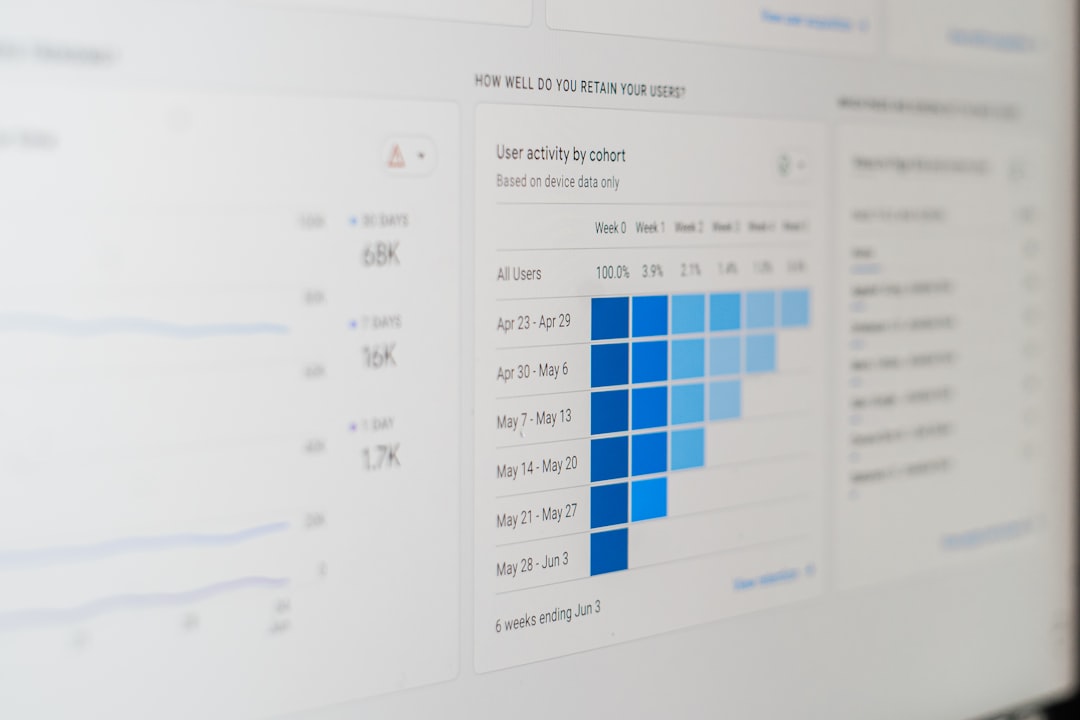
While Mixpanel offers intuitive dashboards, enterprise organizations often rely on advanced BI tools like Tableau for cross-department reporting. By piping Mixpanel data into Tableau, teams can create highly customized visualizations for leadership.
Advantages:
- Custom visual storytelling
- Cross-functional reporting
- Data blending from multiple sources
This makes it easier to translate product metrics into company-wide insights.
5. Zapier
Best for: Workflow automation
Not every integration needs developer resources. Zapier connects Mixpanel with thousands of apps without coding. For example, you can automatically send Slack alerts when specific product events spike or drop.
Popular Automations:
- Notify sales when high-value users convert
- Create CRM entries based on in-app activity
- Trigger email campaigns from product milestones
Zapier helps operationalize your Mixpanel insights quickly and efficiently.
6. HubSpot
Best for: Aligning product and marketing data
Integrating HubSpot with Mixpanel bridges the gap between marketing acquisition and product engagement. You can analyze how different marketing channels affect long-term retention and in-app behavior.
Strategic Benefits:
- Close the loop between campaigns and product usage
- Improve lead scoring with behavioral data
- Personalize marketing based on in-app events
This integration is especially valuable for SaaS companies focused on product-led growth.
7. Hotjar
Best for: Qualitative user insights
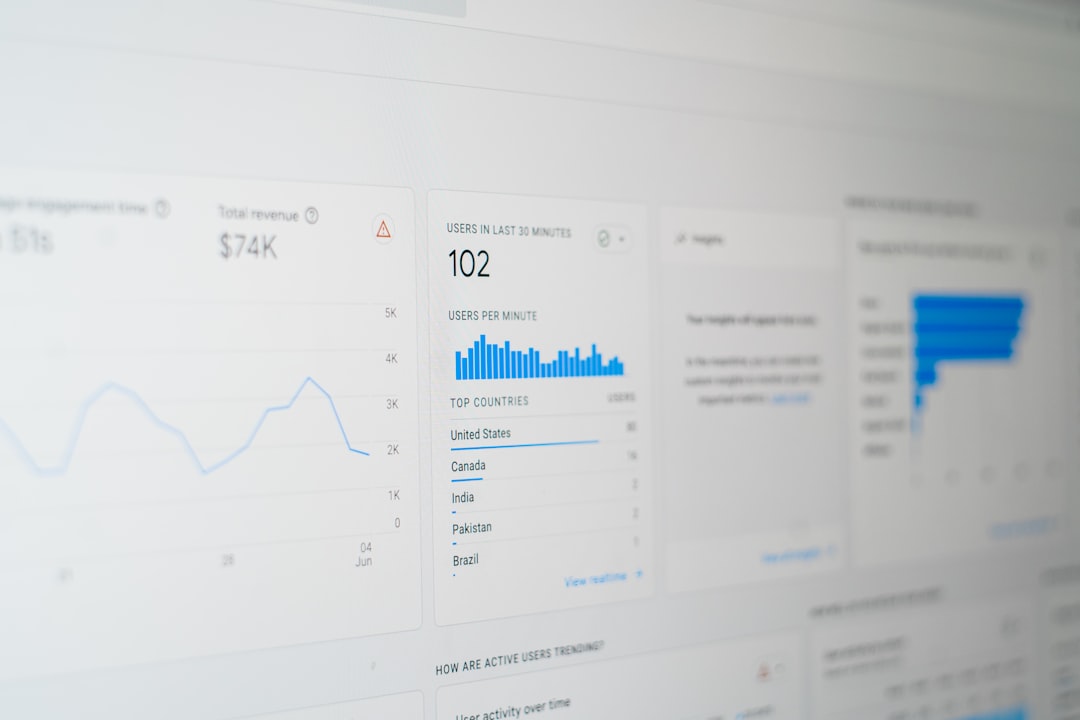
Mixpanel shows what users are doing. Hotjar shows why. By combining quantitative event tracking with heatmaps and session recordings, teams can uncover usability issues and friction points.
Why combine them:
- Validate behavioral patterns visually
- Identify UX blockers behind churn
- Improve onboarding flows
This pairing adds depth to your analytics strategy, making it both data-driven and user-centric.
Comparison Chart: 7 Mixpanel Apps and Tools
| Tool | Primary Function | Best For | Technical Complexity | Ideal Team |
|---|---|---|---|---|
| Segment | Customer Data Platform | Data collection & routing | Medium | Engineering & Analytics |
| Optimizely | A/B Testing | Experimentation | Medium | Product Teams |
| Google BigQuery | Data Warehouse | Advanced SQL analysis | High | Data Science |
| Tableau | Business Intelligence | Executive dashboards | Medium | Leadership & BI |
| Zapier | Automation | Workflow integration | Low | Operations & Marketing |
| HubSpot | CRM & Marketing Automation | Marketing alignment | Medium | Marketing & Growth |
| Hotjar | UX & Behavior Insights | Qualitative analysis | Low | UX & Product |
How to Choose the Right Mixpanel Companion Tools
Selecting the right tools depends on your company’s maturity and goals. Consider the following questions:
- Do you struggle with clean data collection? Choose Segment.
- Do you want controlled experimentation? Add Optimizely.
- Need deeper warehouse-level analysis? Integrate BigQuery.
- Serving executive stakeholders? Use Tableau.
- Want quick automation wins? Deploy Zapier.
- Need marketing alignment? Connect HubSpot.
- Investigating UX challenges? Implement Hotjar.
Many companies use a combination rather than relying on a single extension.
Building a Modern Product Analytics Stack
A high-performing analytics stack is not just about tools—it’s about strategy. Your integrations should support a loop of:
- Collecting accurate data
- Analyzing behavioral trends
- Testing improvements
- Automating insights into action
- Communicating findings clearly
Mixpanel sits at the core of this loop, but its power multiplies when surrounded by purpose-built tools that strengthen each stage.
Final Thoughts
Mixpanel is already a leader in event-driven product analytics, but as product teams grow, their analytics needs expand. Whether you’re building a sophisticated data warehouse, running rapid A/B experiments, automating workflows, or seeking qualitative user insights, the right Mixpanel integrations will dramatically increase the value of your product data.
The key isn’t adopting every tool—it’s strategically selecting the ones that solve your biggest bottlenecks. When implemented thoughtfully, these seven Mixpanel apps and tools can transform raw behavioral data into a powerful engine for product growth.
In today’s competitive digital landscape, the companies that win aren’t just collecting data—they’re connecting it, analyzing it, and acting on it faster than everyone else.
