


Planning content can feel messy. Deadlines move. Ideas pile up. Files get lost. That is where content calendar tools like Notion come in. They bring order to the chaos. And they make planning almost… fun.
TLDR: Content calendar tools like Notion help you plan, organize, and track your content in one place. They make workflows simple with boards, calendars, and templates. You can see what is due, who is responsible, and what is published at a glance. If you create content regularly, these tools save time and reduce stress.
Let’s break it down in a simple way.
What Is a Content Calendar Tool?
A content calendar tool is a place where you plan and schedule your content. Think of it as a digital planner. But smarter.
Instead of sticky notes and scattered documents, everything lives in one system. Blog posts. Social media updates. Videos. Emails. All in one clean dashboard.
Tools like Notion, Trello, Asana, ClickUp, and Airtable are popular choices. They help teams (and solo creators) stay organized.
Here’s what they usually include:
- Calendar views to see publishing dates
- Task boards with progress columns
- Content databases to store ideas
- Collaboration features for teams
- Templates to save time
It’s like having a command center for your content.
Why Planning Content Feels Hard
Before we talk about solutions, let’s talk about the problem.
Content creation has many moving parts:
- Idea generation
- Research
- Writing
- Editing
- Design
- Publishing
- Promotion
If you manage all of this in your head, things slip through the cracks.
Deadlines get missed. Posts overlap. Campaigns feel rushed.
A content workflow tool fixes this by turning messy steps into clear stages.
How Notion Makes Content Planning Simple
Notion is flexible. Almost like digital Lego blocks. You can build your content system exactly how you want.
Here’s how people often use it:
1. Idea Hub
Create a database called “Content Ideas.”
Each row is one idea. Add properties like:
- Status (Idea, Drafting, Editing, Published)
- Platform (Blog, Instagram, YouTube)
- Priority
- Target keyword
Now you never lose inspiration.
2. Kanban Workflow Board
Switch to board view.
Drag tasks from one column to the next as they move forward.
This visual flow feels satisfying.
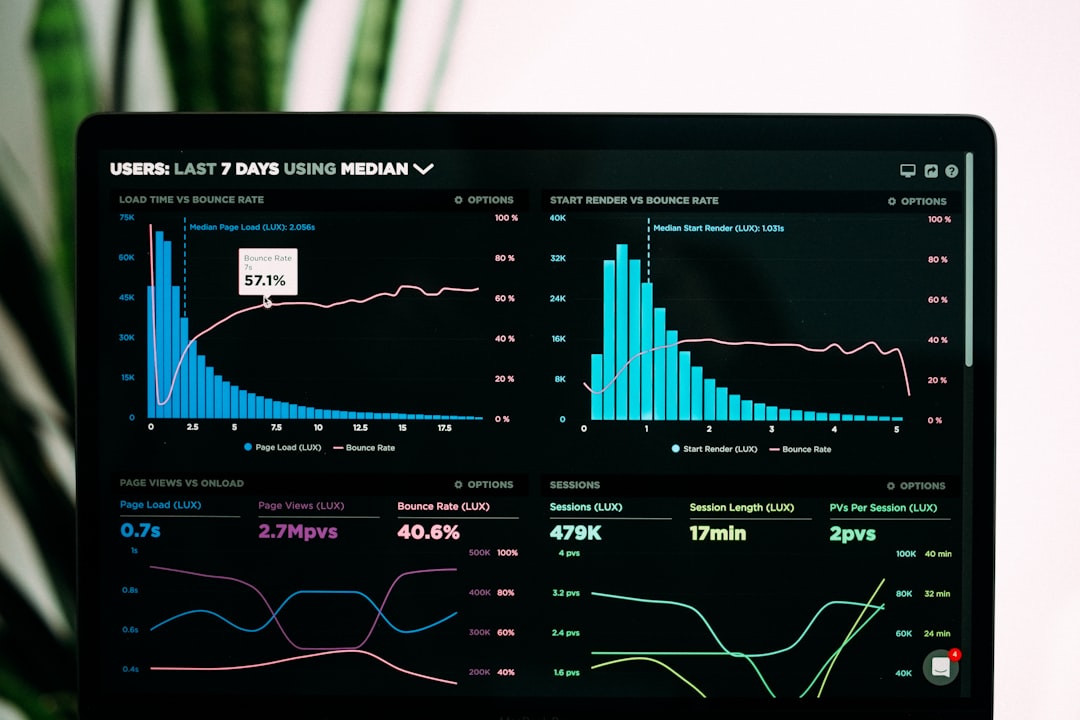
You instantly see what stage each piece of content is in.
3. Calendar View
Switch again. This time to calendar view.
Now you see publishing dates on a monthly layout.
This prevents:
- Posting too much in one week
- Forgetting important launches
- Seasonal content delays
One database. Multiple views. Zero confusion.
Building a Simple Content Workflow
You do not need something complex. Start small.
Here is a beginner-friendly workflow:
- Backlog – All raw ideas go here.
- Planning – Select ideas for this month.
- In Progress – Currently being created.
- Review – Editing and approvals.
- Scheduled – Ready and booked.
- Published – Live content.
That’s it. Simple and clear.
Why Teams Love Content Calendar Tools
If you work alone, these tools are helpful.
If you work in a team, they are essential.
Here’s why:
Everyone Knows Their Role
You can assign tasks to specific people.
No more “I thought you were doing it.”
Deadlines Are Visible
Due dates are attached to tasks.
Reminders keep projects moving.
Feedback Stays Organized
Comments live inside each content card.
No endless email chains.
Files Are Centralized
Design files. Drafts. Links. Everything attached in one place.
This clarity reduces stress quickly.
Templates Save Massive Time
One of the best parts of tools like Notion is templates.
Instead of starting from scratch every time, you create a reusable format.
Example blog post template:
- Title
- Target keyword
- Meta description
- Outline
- Internal links
- Call to action
- Promotion checklist
Click “New.” The structure appears instantly.
This keeps your content consistent and fast to produce.
Content Planning for Different Platforms
Not all content is the same.
A blog post takes longer than a tweet. A YouTube video needs scripting and editing.
You can customize workflows for each channel.
For Blogs
- Keyword research
- Outline approval
- Drafting
- SEO check
- Publishing
For Social Media
- Caption writing
- Graphic design
- Hashtag research
- Scheduling
For Video
- Script writing
- Filming
- Editing
- Thumbnail design
- Upload and optimize
Each stage becomes a checklist inside your tool.

How Content Calendar Tools Improve Strategy
Planning is not just about tasks. It is about strategy.
When you see all your content in one place, patterns appear.
You might notice:
- You post too much promotional content.
- Certain topics repeat too often.
- There are gaps in your publishing schedule.
With a calendar view, you can balance content types.
A simple rule many creators follow:
- 40% educational
- 30% inspirational
- 20% promotional
- 10% personal or behind the scenes
When everything is visible, better decisions happen.
Tips to Make Your System Stick
A tool only works if you use it.
Here are practical tips:
Keep It Simple
Start with one board and one calendar. Add complexity later.
Review Weekly
Set a 20-minute planning session each week.
Clean It Monthly
Archive old content. Delete unused ideas.
Automate Where Possible
Connect tools like Google Drive or scheduling platforms to reduce manual work.
Track Performance
Add fields for views, clicks, or engagement.
This turns your calendar into a mini analytics hub.
Common Mistakes to Avoid
Even good tools can create problems if misused.
- Overbuilding the system. Too many tags and properties get confusing.
- Not updating statuses. An outdated board is useless.
- Ignoring strategy. Planning without goals leads nowhere.
- No content buffer. Always plan at least two weeks ahead.
Remember: the goal is clarity, not complexity.
Is Notion the Best Choice?
It depends.
Notion is great if you want customization. It works well for creators, startups, and small teams.
But other tools may suit different needs:
- Trello for simple drag-and-drop boards
- Asana for structured project management
- ClickUp for advanced automation
- Airtable for spreadsheet-style databases
The best tool is the one you will actually use every week.
Final Thoughts
Content creation does not have to feel overwhelming.
With the right calendar tool, your workflow becomes visual. Predictable. Calm.
You know what to work on today.
You know what is coming next week.
You know what is already published.
That peace of mind is powerful.
So start simple. Build your content hub. Move ideas through clear stages. Review often.
And most of all, enjoy the process.
Because when planning is easy, creating becomes a lot more fun.
