


Thinking about deleting your Grab account? Maybe you no longer use the app, or you’re concerned about privacy. Whatever the reason, deleting your Grab account permanently removes access to rides, food delivery, and GrabPay services. The process is not instant, and it usually requires a request through the app.
In this guide, you’ll learn how to delete your Grab account step by step, what happens after deletion, and what to check before submitting the request.
What Happens When You Delete Your Grab Account?
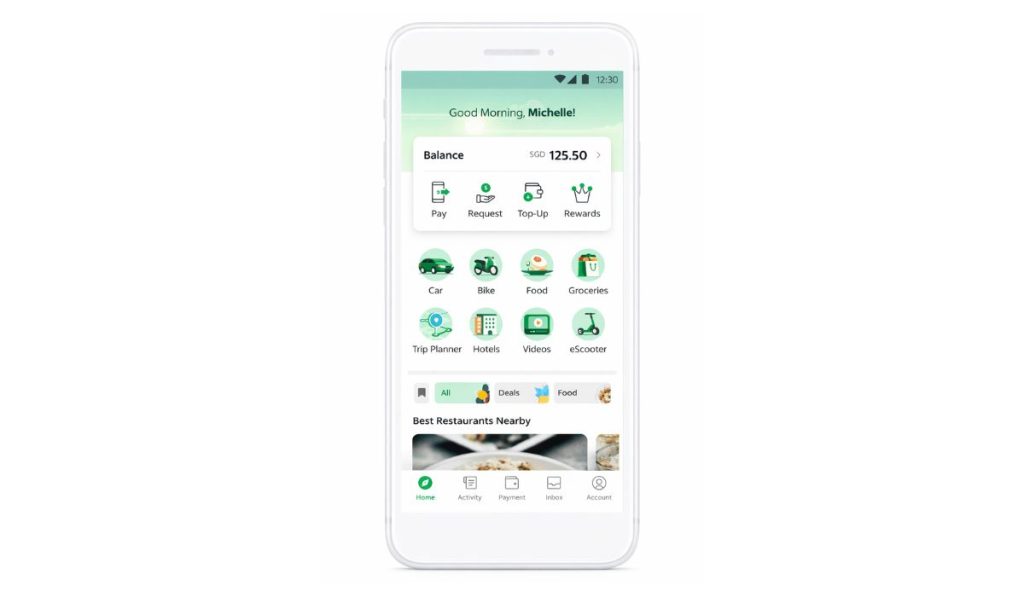 When you delete your Grab account, you lose access to all Grab services linked to your profile. This includes GrabCar rides, GrabFood orders, GrabExpress deliveries, and the GrabPay wallet. Your transaction history, saved addresses, reward points, and linked payment methods will no longer be accessible. Any remaining GrabRewards points may be forfeited. If you have money in your GrabPay wallet, you must withdraw or transfer it before requesting deletion.
However, some information may still be stored by Grab as required by financial regulations or local data protection laws. This may include transaction records for compliance purposes.
Important Things to Check Before Deleting
Before submitting a deletion request, review these points carefully.
- Withdraw or transfer any remaining GrabPay balance
- Cancel active ride bookings or food orders
- Redeem unused GrabRewards points
- Check for pending refunds
- Unlink subscriptions or recurring services
Taking care of these steps prevents future inconvenience.
How to Delete Your Grab Account Permanently?
Follow these steps to request permanent deletion through the Grab app.
- Open the Grab app on your Android or iPhone.
- Tap on the Account tab.
- Go to Help Center.
- Select Account and Security.
- Choose the option related to Delete Account.
- Fill out the account deletion request form.
- Confirm the request through email or in-app notification.
Grab Support may contact you for identity verification before final approval.
How Long Does Grab Account Deletion Take?
Account deletion usually requires a review process. After submitting the request, Grab’s support team verifies your identity and checks for pending balances or unresolved transactions. This process may take several days depending on your region. You may receive confirmation through email once the account is permanently closed. During the review period, access to certain features may already be limited.
Can You Recover a Deleted Grab Account?
Once the deletion is confirmed, recovery may not be possible. In some cases, you might need to create a new account if you want to use Grab again. Re-registration with the same phone number may depend on Grab’s account policies in your country. If unsure, contact Grab Support before proceeding with deletion.
Conclusion
Deleting your Grab account permanently removes access to rides, GrabFood, GrabPay, and other linked services. The process requires submitting a request through the Help Center and may involve verification. Before deleting, make sure your wallet balance is cleared and there are no pending transactions.
Take a moment to review everything carefully. Once the account is closed, it may not be easy to restore it. If this guide helped you, share it with others and leave a comment below.
