



As mobile operating systems continue to prioritize bandwidth control and battery efficiency, many users are asking an important question in 2026: Does Syncthing respect Low Data Mode? With more people relying on mobile synchronization for backups, file sharing, and decentralized storage, understanding how Syncthing behaves under restricted network conditions is essential. This article takes a serious, technical look at how Syncthing interacts with Low Data Mode across platforms and what users should expect in real-world scenarios.
TLDR: Syncthing does not natively integrate with mobile “Low Data Mode” settings in the way some cloud apps do, but it does provide detailed bandwidth controls that allow users to simulate or enforce similar restrictions. On Android, its behavior depends largely on system-level background data permissions. On iOS alternatives and desktop systems, behavior varies. In 2026, Syncthing respects network constraints only when either the operating system enforces them or the user configures built-in rate limits.
Understanding Low Data Mode in 2026
Low Data Mode is a system-level feature designed to reduce data consumption when enabled. It typically does this by:
- Restricting background data usage
- Pausing automatic sync operations
- Reducing refresh frequency
- Disabling non-essential network requests
On iOS, Low Data Mode applies per network (Wi‑Fi or cellular). On Android, similar functionality exists under Data Saver and background data restrictions. Desktop operating systems have comparable settings, such as metered network configurations in Windows and limited data modes in Linux distributions.
Unlike cloud-based apps built directly into these ecosystems, Syncthing is a decentralized, peer-to-peer file synchronization tool. That distinction is important for understanding its behavior.
How Syncthing Handles Network Activity
Syncthing operates by:
- Maintaining persistent connections to known devices
- Scanning folders for file changes
- Synchronizing new or modified blocks of files
- Relaying traffic if direct connections are blocked
It does not rely on a centralized server. Instead, it synchronizes continuously or at scheduled intervals depending on configuration. Because of this design, Syncthing prioritizes data integrity and real-time consistency over bandwidth conservation by default.

Out of the box, Syncthing does not automatically detect that Low Data Mode has been enabled and switch into a reduced-usage state. However, that does not mean it ignores system restrictions entirely.
Syncthing on Android: Data Saver and Background Restrictions
Android remains one of the primary mobile platforms for Syncthing users. In 2026, Android’s Data Saver feature restricts background data access for apps that are not explicitly whitelisted.
What happens when Data Saver is enabled?
- If Syncthing is not allowed background data, syncing pauses while the app is in the background.
- If whitelisted, Syncthing continues syncing normally.
- Foreground usage is typically unaffected.
This means Syncthing is not internally “respecting” Low Data Mode—it is being controlled by the operating system. Android enforces restrictions at the network permission level.
Important distinction: If you grant unrestricted data access, Syncthing will continue full synchronization even if Data Saver is on.
Metered Network Detection
Syncthing does have settings that allow users to:
- Disable local discovery on metered connections
- Disable relays on certain networks
- Limit bandwidth usage globally or per device
These settings must be configured manually. There is no automatic pop-up that says, “Low Data Mode detected — syncing paused.”
Syncthing on iOS (Third-Party Implementations)
Official Syncthing does not run natively on iOS due to system limitations. However, third-party apps based on Syncthing protocols exist.
On iOS in 2026:
- Low Data Mode restricts background networking aggressively.
- Apps respecting system networking APIs will pause background transfers.
- Foreground transfers may resume automatically.
Because iOS tightly controls background execution, most Syncthing-based apps effectively comply with Low Data Mode simply because they are forced to. Again, this is OS enforcement rather than built-in Syncthing intelligence.
Desktop Systems and Metered Connections
On Windows, marking a Wi‑Fi or Ethernet connection as metered informs the system to reduce automatic downloads and updates.
However, Syncthing is largely unaffected unless configured otherwise. It does not automatically stop syncing just because a network is marked as metered.
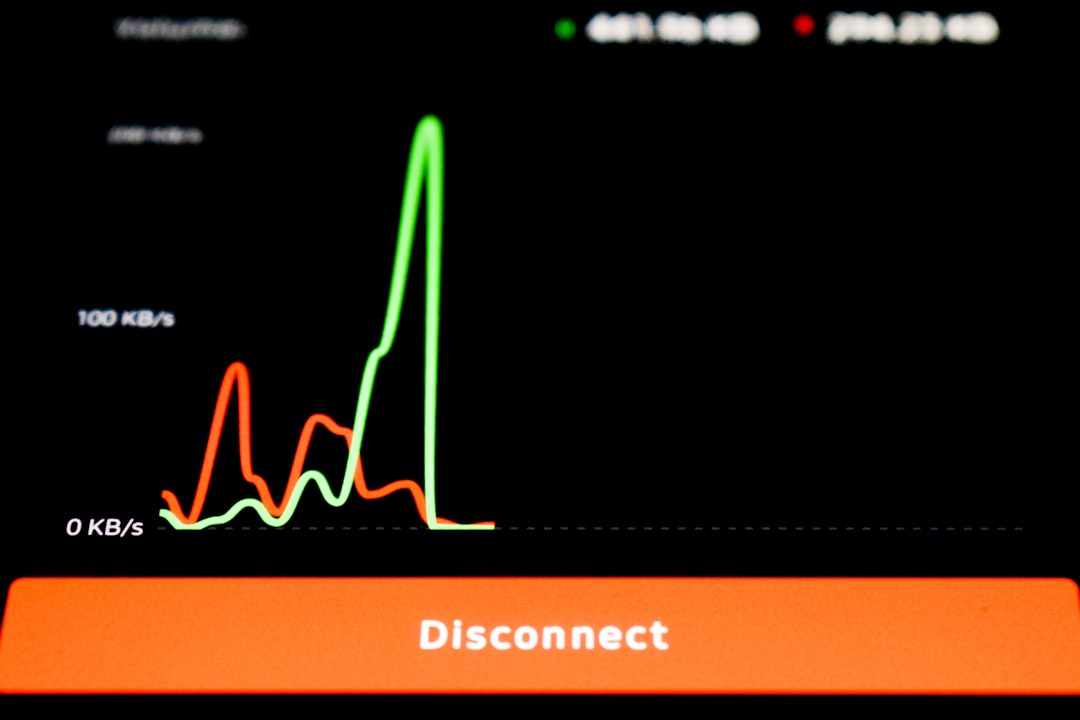
Instead, users must configure:
- Global Rate Limits (KiB/s or MiB/s)
- Per-Device Rate Limits
- Folder Type Adjustments (Send Only, Receive Only)
- Ignore Permissions to reduce metadata sync traffic
This manual configuration is powerful but not automatic.
Built-In Bandwidth Controls in Syncthing
Although Syncthing does not automatically toggle behavior for Low Data Mode, it provides robust traffic management features.
1. Global Rate Limit
This caps total upload and download speed across all devices.
2. Per-Connection Limits
You can limit traffic between specific device pairs.
3. Folder Rescan Intervals
Reducing how often Syncthing scans for file changes minimizes background activity.
4. Introducer Controls
Disabling introducers prevents automatic device propagation, reducing unexpected transfers.
These controls allow users to simulate a Low Data Mode environment manually.
Does Syncthing “Respect” Low Data Mode?
The nuanced answer in 2026 is:
- Yes, when the operating system forcibly restricts network access.
- No, in the sense that Syncthing does not automatically downgrade its behavior based on a Low Data Mode flag.
This distinction matters. Cloud services like iCloud, Google Drive, and OneDrive integrate deeply with OS-level APIs and dynamically reduce sync frequency. Syncthing intentionally avoids this level of dependency to remain cross-platform and decentralized.
Why Syncthing Avoids Automatic Low Data Detection
There are technical and philosophical reasons for this design:
- Cross-platform uniformity: Not all operating systems expose Low Data APIs.
- Predictable synchronization: Automatic pausing could cause version conflicts.
- User control priority: Syncthing favors explicit configuration over automation.
- Security model: Constant connectivity ensures timely cryptographic verification and device authentication.
In decentralized systems, consistency is critical. Sudden automatic pausing without user awareness could create confusion about file states across devices.
Real-World Scenarios in 2026
Scenario 1: Traveling Internationally
If you enable Low Data Mode on your phone’s cellular plan but Syncthing is whitelisted for unrestricted background data, it will continue syncing normally.
Scenario 2: Metered Hotspot Connection
Your laptop connected to a mobile hotspot marked as metered will still sync unless you manually restrict Syncthing’s bandwidth.
Scenario 3: Battery Saver + Data Saver
On Android, aggressive battery saver modes can suspend Syncthing’s background activity entirely—effectively pausing it.
In each scenario, the determining factor is OS enforcement, not Syncthing awareness.
Best Practices for Using Syncthing with Limited Data
If your goal is to minimize data usage while maintaining synchronization:
- Set global upload/download rate limits.
- Disable relays when on cellular networks.
- Turn off NAT traversal if not necessary.
- Increase folder rescan intervals.
- Use Send Only folders for backups.
- Pause synchronization manually when needed.
These steps provide more control than most automatic Low Data features.
Security and Data Integrity Considerations
It’s important to understand that aggressive data restriction can:
- Delay file propagation
- Create temporary version divergence
- Increase sync bursts when restrictions are lifted
When syncing resumes, traffic may spike as queued changes process simultaneously. Users sometimes misinterpret this as Syncthing “ignoring” data restrictions, when it is actually processing deferred updates.
Final Verdict
In 2026, Syncthing does not natively integrate with or detect Low Data Mode toggles across operating systems. Instead, it operates consistently unless constrained by system-level network controls or user-defined bandwidth limits.
This behavior aligns with Syncthing’s core philosophy:
- Decentralization
- User autonomy
- Explicit configuration over automation
For users expecting seamless OS-level behavior similar to commercial cloud storage apps, Syncthing may appear indifferent to Low Data Mode. For power users, however, the extensive manual controls provide greater precision and transparency than most automated alternatives.
The bottom line: Syncthing respects Low Data Mode only when the operating system enforces restrictions or when the user configures internal bandwidth limits. It does not automatically reduce synchronization activity simply because Low Data Mode is enabled.
For those who require predictable data usage in 2026, the solution is not relying on automatic detection—but mastering Syncthing’s built-in controls.
