


Your business card is often the smallest marketing asset you own, but it can carry a surprising amount of weight. Whether you run a restaurant, law firm, salon, construction company, consulting practice, or online shop, the right card can make your brand feel polished, memorable, and ready for business. Today’s business card makers go far beyond simple templates, offering industry-specific layouts, premium printing, QR codes, logo tools, and fast delivery.
TLDR: The best business card maker depends on your industry, budget, design confidence, and printing needs. Canva and Adobe Express are excellent for flexible DIY design, while Moo, VistaPrint, and Jukebox Print shine for premium printed results. Service professionals may prefer fast, practical tools like Staples or Zazzle, while creative brands can benefit from platforms with stronger customization and specialty finishes.
Why the Right Business Card Maker Matters
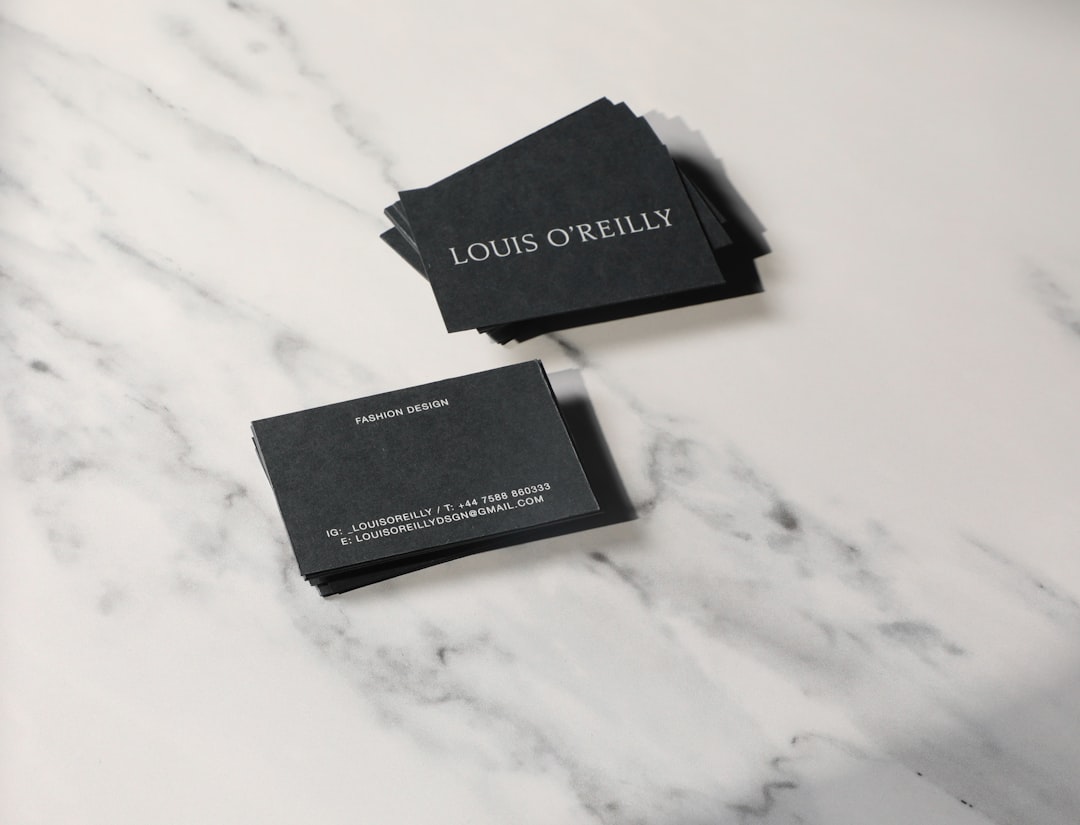
A business card is not just a rectangle with your phone number on it. It is a compact brand statement. A well-designed card can communicate whether your business is elegant, playful, technical, trustworthy, luxurious, approachable, or highly specialized. For example, a financial advisor may need a clean and conservative card, while a tattoo artist might want bold artwork, texture, and visual personality.
The best business card makers help you bridge the gap between professional design and practical production. Some platforms focus on easy drag-and-drop templates. Others specialize in paper quality, foil accents, rounded corners, recycled stocks, or unusual shapes. The key is choosing a tool that matches both your brand and your workflow.
What to Look for in a Business Card Maker
Before choosing a platform, consider what matters most for your industry. A real estate agent may prioritize headshots and QR codes. A boutique owner may want stylish visuals and premium paper. A plumber or electrician may need durable, easy-to-read cards that can be handed out on job sites.
- Template variety: Look for layouts tailored to industries such as healthcare, beauty, construction, hospitality, legal services, fitness, and retail.
- Customization options: The ability to adjust fonts, colors, logos, icons, spacing, and card sizes is essential.
- Print quality: Paper weight, coating, finish, and color accuracy can dramatically affect the final impression.
- Speed: If you need cards before a conference, local pickup or rush shipping may be more important than luxury finishes.
- Digital features: QR codes, NFC cards, and downloadable files are valuable for modern networking.
- Budget: Some tools are ideal for bulk orders, while others are better for premium small batches.
11 Business Card Makers That Deliver Results
1. Canva
Best for: entrepreneurs, coaches, creators, freelancers, salons, and small businesses that want design flexibility.
Canva is one of the most accessible business card makers available. Its drag-and-drop editor makes it easy to customize templates, upload a logo, test colors, and add icons or QR codes. It works particularly well for people who want a professional-looking card without hiring a designer.
Industry professionals in beauty, wellness, education, consulting, and ecommerce will find many usable templates. Canva also offers printing, though some users prefer downloading the design and sending it to a local or specialty printer. The biggest advantage is creative control: you can quickly create matching flyers, social posts, menus, and brochures using the same visual identity.
2. Adobe Express
Best for: creative professionals, agencies, photographers, designers, and tech-focused brands.
Adobe Express offers a polished design experience with strong creative capabilities. It is simpler than traditional Adobe tools but still benefits from Adobe’s visual ecosystem. Users can start from refined templates, adjust typography, apply brand assets, and produce sleek cards that feel current and professional.
This tool is especially useful for businesses that care about design consistency across multiple digital and print formats. A photographer, for instance, can create a minimalist card with a portfolio QR code, while a software consultant can build a clean, modern identity with sharp typography and strong contrast.
3. VistaPrint
Best for: tradespeople, restaurants, local services, real estate agents, and small business owners who want affordable printing.
VistaPrint is a long-standing favorite because it combines templates, easy editing, and reliable print ordering. It is particularly useful for businesses that need practical cards at a reasonable price. The platform offers many finishes, including matte, glossy, soft touch, and premium paper stocks.
For service-based industries, VistaPrint’s straightforward templates help make important information easy to find. A contractor can highlight licensing details, a restaurant can add a reservation QR code, and a real estate agent can feature a headshot and property website. It is a strong all-around choice for businesses that want dependable results without overcomplicating the process.
4. Moo
Best for: luxury brands, consultants, architects, boutique retailers, artists, and anyone who wants memorable print quality.
Moo is known for beautiful paper, premium finishes, and distinctive print options. Its cards often feel more elevated than standard business cards, making it ideal for industries where tactile impression matters. If you work in interior design, fashion, branding, architecture, or high-end consulting, Moo can help your card feel like part of the experience you sell.
One standout feature is the ability to print multiple designs in one pack. This is useful for photographers showing different images, artists displaying portfolio pieces, or product brands featuring several best-selling items. The pricing is often higher than budget platforms, but the final product can feel significantly more refined.
5. Zazzle
Best for: creative entrepreneurs, event planners, makers, teachers, and niche service providers.
Zazzle offers a huge marketplace of customizable designs created by independent designers. This makes it a good option if you want something with personality, whether that means floral, retro, minimalist, playful, elegant, or industry-specific. You can find card styles for bakers, pet sitters, massage therapists, yoga instructors, DJs, and countless other professions.
The variety can be both a strength and a challenge. There are many options, so it helps to search with specific terms related to your industry and preferred style. Zazzle is especially useful for businesses that want a card that feels less corporate and more personal.
6. Shopify Business Card Maker
Best for: ecommerce sellers, product startups, pop-up shops, and online-first brands.
Shopify’s business card maker is simple, fast, and practical. It is not the most advanced design platform, but it works well for entrepreneurs who need a clean card quickly. For online store owners, the most important card elements are often the website, social handles, product category, and a QR code leading to the shop.
This tool is a good match for sellers who attend markets, craft fairs, trade shows, and pop-up events. A simple, branded card can help convert in-person conversations into online customers after the event ends.
7. Jukebox Print
Best for: designers, hospitality brands, fashion labels, cannabis businesses, galleries, and premium service companies.
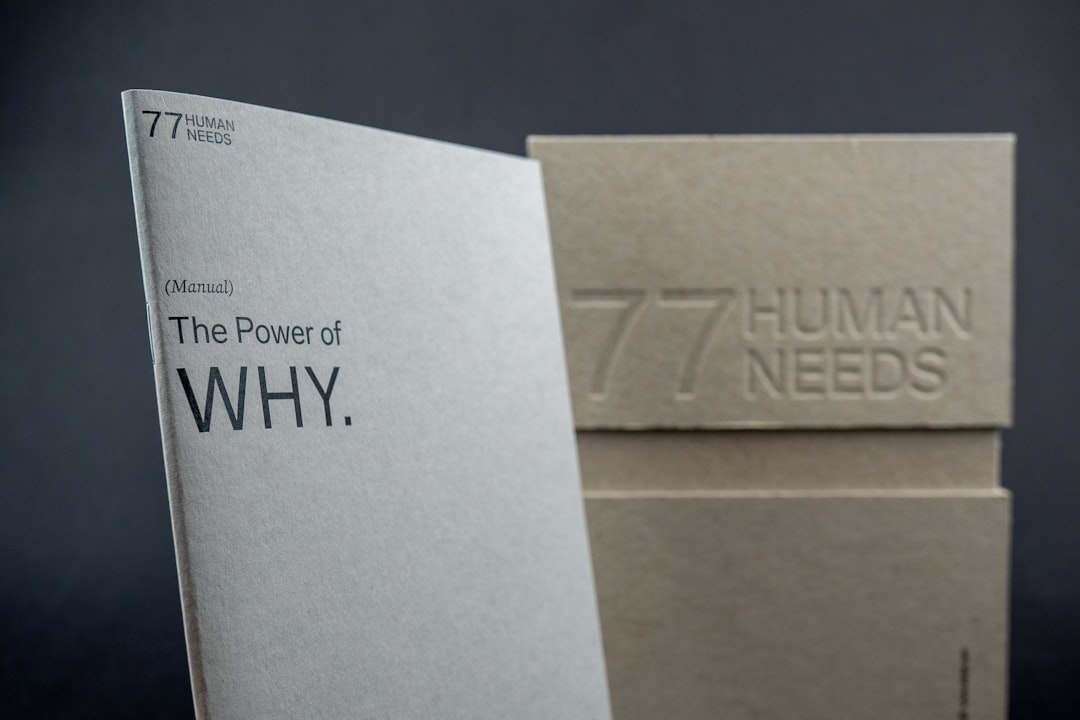
Jukebox Print is a strong choice when you want business cards that go beyond the ordinary. The company is known for specialty printing, including textured stocks, colored edges, foil stamping, embossing, letterpress, recycled materials, and unusual formats.
For industries where visual distinction matters, these details can be powerful. A cocktail bar might choose dark stock with metallic foil. A sustainable fashion brand might select recycled paper. A gallery owner might use thick card stock with understated typography. Jukebox Print is best for brands that see the card as a design object, not just contact information.
8. Staples
Best for: professionals who need cards quickly, including healthcare providers, local contractors, office teams, educators, and sales representatives.
Staples is a practical option because of its convenience. Many locations offer same-day pickup, making it valuable when you need cards for an event, meeting, or new employee. The design interface is straightforward, and the templates are suitable for standard professional needs.
While it may not offer the same artistry as premium print studios, Staples is dependable for clean, readable cards. For industries where speed and clarity matter more than luxury finishes, it can be exactly the right solution.
9. PsPrint
Best for: marketing teams, nonprofits, restaurants, real estate offices, and businesses ordering multiple print materials.
PsPrint offers business cards along with a wide range of other printed marketing products. This makes it useful if your business needs cards, postcards, brochures, stickers, menus, and signage from one provider. The platform often appeals to organizations that want consistent print campaigns rather than one-off card orders.
Restaurants can coordinate cards with loyalty coupons. Nonprofits can create cards for outreach events. Real estate offices can produce agent cards along with mailers and open house materials. PsPrint is especially helpful when business cards are one piece of a larger marketing effort.
10. Fotor
Best for: online creators, personal brands, coaches, fitness professionals, and budget-conscious startups.
Fotor provides easy design tools with a library of templates suitable for quick business card creation. It is approachable for beginners and includes editing features that can help with images, backgrounds, and social-ready assets. If your business is built around personality, visuals, or digital content, Fotor can be a convenient place to create a simple but attractive card.
Fitness trainers, influencers, tutors, and coaches may appreciate how quickly they can create branded materials without a steep learning curve. It is not necessarily the best choice for complex print finishes, but it is useful for fast design work.
11. VistaCreate
Best for: social media managers, boutiques, beauty brands, cafes, and lifestyle businesses.
VistaCreate is a template-based design tool with a strong emphasis on stylish visuals. It is useful for businesses that want their cards to match a broader content style across Instagram, flyers, ads, and digital promotions. The templates often feel modern and visually engaging, which makes the platform appealing for lifestyle-driven industries.
A cafe can create a warm, inviting card with soft colors. A beauty studio can design something elegant and feminine. A boutique can use bold graphics and seasonal colors. VistaCreate works best for brands that care about aesthetics but still need an easy design process.

Matching Tools to Specific Industries
Different industries require different design priorities. A card for a law firm should not look like a card for a children’s party planner. Before choosing a maker, think about the message your card should send in the first three seconds.
- Legal, finance, and consulting: Choose clean layouts, restrained colors, and premium paper. Adobe Express, Moo, and VistaPrint are strong options.
- Beauty, wellness, and fitness: Look for stylish templates, soft finishes, and social media integration. Canva, VistaCreate, Fotor, and Zazzle work well.
- Construction, plumbing, and home services: Prioritize readability, durability, and quick reordering. VistaPrint and Staples are practical choices.
- Restaurants and hospitality: Add QR codes for menus, reservations, or reviews. PsPrint, Canva, and Jukebox Print can be effective.
- Artists and photographers: Use image-rich cards or multiple designs. Moo, Zazzle, and Adobe Express are especially useful.
- Ecommerce and retail: Make your website and social handles prominent. Shopify, Canva, and VistaCreate are good fits.
Tips for Creating a Better Business Card
No matter which tool you choose, the fundamentals of good business card design remain the same. A strong card should be attractive, legible, and easy to act on. Avoid the temptation to include every possible detail. Instead, focus on the information that helps someone take the next step.
- Keep the hierarchy clear: Your name, company, and main contact method should be easy to spot.
- Use readable fonts: Decorative type can look beautiful, but it should not make your phone number difficult to read.
- Include a QR code strategically: Link to a portfolio, booking page, menu, online shop, or review page.
- Match your brand colors: Consistency helps people recognize you later online or in person.
- Choose paper intentionally: A thicker card often feels more professional, while recycled paper can support an eco-conscious brand message.
- Proof everything: Check spelling, phone numbers, email addresses, website URLs, and social handles before ordering.
Final Thoughts
The best business card maker is the one that supports your industry, your brand personality, and the way you network. If you need something quick and affordable, tools like VistaPrint, Staples, and Shopify’s business card maker can get the job done efficiently. If you want creative freedom, Canva, Adobe Express, Fotor, and VistaCreate are excellent design-first choices. If your goal is to make a premium impression, Moo and Jukebox Print offer finishes and materials that can turn a simple card into a conversation starter.
In a digital-first world, a business card still has a place because it creates a physical reminder of a real interaction. When designed thoughtfully, it can guide people to your website, portfolio, appointment calendar, storefront, or next conversation. Choose the right tool, keep your message focused, and your business card can become one of the most effective small assets in your marketing toolkit.
