


Near Field Communication tags are small, inexpensive chips that can store information and trigger actions when tapped by a compatible smartphone or reader. Although they often look like simple stickers, cards, key fobs, or wristbands, they can connect the physical world to digital content in a fast and convenient way. For households, workplaces, retailers, schools, and event organizers, NFC tags offer a practical way to simplify routines, share information, and create interactive experiences.
TLDR: NFC tags can be used to launch phone shortcuts, share contact details, open websites, automate smart home tasks, verify products, and improve customer experiences. They are useful because they require no battery, are easy to program, and work with most modern smartphones. Their best uses are small repetitive actions, quick information sharing, and contactless interactions. With basic security habits, NFC tags can be both convenient and safe.
How NFC Tags Work
NFC is a short-range wireless technology that usually works within a few centimeters. An NFC tag contains a tiny chip and antenna, but most tags do not need their own power source. Instead, the phone or reader provides the energy needed to read the stored data. That data may be a website link, a contact card, a WiFi login, a payment-related instruction, or a command that opens an app or shortcut.
Because the interaction requires a close tap, NFC feels intentional and simple. A person does not need to scan a visible code with a camera, type a long address, or search through a menu. The tag can sit on a desk, product package, business card, poster, appliance, or badge, waiting to be tapped.
Everyday Smartphone Shortcuts
One of the most popular uses for NFC tags is phone automation. A user can place tags in common locations and configure them to trigger certain actions. For example, a tag near a bed can set an alarm, enable do not disturb mode, lower screen brightness, and open a meditation app. A tag in a car can turn on Bluetooth, open a navigation app, and start a favorite playlist.
- At a desk: open work apps, start a timer, or switch to focus mode.
- In a gym bag: launch a workout playlist or fitness tracker.
- Near the front door: send a preset message, disable WiFi, or open a transit app.
- On a notebook: open a digital document, class folder, or project board.
These shortcuts are especially useful for actions that are performed repeatedly. Instead of tapping through several screens, the phone owner taps the tag once and lets the programmed routine handle the rest.
Smart Home and Office Automation
NFC tags can also serve as simple control points for smart homes and offices. While voice assistants and mobile apps are useful, an NFC tag can be more discreet and more precise. A tag placed beside a lamp can turn on a specific lighting scene. Another tag near a conference room entrance can set the room to presentation mode, adjusting lights, displays, and connected devices.
In a shared home, NFC tags can reduce confusion. A guest may tap a tag to join WiFi, view house instructions, or access a digital guide to appliances. In an office, employees may use tags to check into shared desks, open maintenance forms, report printer issues, or access meeting room booking pages.
The main advantage is context. A tag can live exactly where an action is needed, making the interaction more natural than searching for the correct menu inside an app.
Sharing Contact Details and Digital Profiles
NFC business cards are a common and polished use case. Instead of handing out a paper card that may be misplaced, a person can offer a tap that opens a digital profile, contact card, portfolio, booking page, or social media link. The same idea applies to badges, portfolios, resumes, and creator profiles.
For networking events, NFC cards can make follow-up easier. A tap may save a phone number, open a LinkedIn profile, or display a custom landing page with multiple contact options. Musicians, photographers, consultants, real estate agents, and freelancers often use this approach because it turns a brief meeting into an immediate digital connection.
Retail, Restaurants, and Customer Experiences
Businesses can use NFC tags to guide customers toward helpful information without requiring staff involvement. A restaurant may place tags on tables so guests can open menus, view allergen information, leave reviews, or join a loyalty program. A store may attach NFC tags to shelves or product packaging so shoppers can see product videos, care instructions, size guides, or warranty details.
For luxury goods, electronics, collectibles, and pharmaceuticals, NFC can support product authentication. A tag embedded in packaging can lead to a verification page or confirm that the item is genuine. Brands can also use NFC to provide post-purchase content, such as setup guides, refill reminders, repair options, or exclusive promotions.
Unlike printed material, the destination behind some NFC experiences can be updated. This means a business may keep the physical tag in place while changing the linked page, seasonal offer, or customer instructions.

Events, Tickets, and Access Control
NFC tags are widely used in events because they help reduce friction. Wristbands, badges, or cards can identify attendees, control access to specific areas, support cashless payments, or record session attendance. For conferences, an NFC badge might allow exhibitors to collect leads with permission. For festivals, an NFC wristband can make entry faster and reduce the need for paper tickets.
Schools and training centers may use NFC to track attendance, link students to learning materials, or create interactive exhibits. Museums can place tags near displays so visitors can hear audio guides, read translations, or watch related videos. In these settings, NFC makes information available at the exact place where curiosity appears.
Personal Organization and Labeling
NFC tags can make storage and organization more intelligent. A homeowner can attach tags to boxes and link each one to a digital inventory. A tap on a storage bin might open a list of holiday decorations, tools, cables, or archived documents inside. This can be useful in garages, workshops, classrooms, libraries, and warehouses.
Tags can also support personal reminders. A tag on a medicine cabinet can open dosage instructions. A tag on a plant pot can show watering schedules. A tag on a maintenance panel can open service history or repair notes. These small uses may seem simple, but they reduce the effort required to find the right information later.
Travel and Hospitality Uses
Hotels, short-term rentals, and tourism services can use NFC tags to make guest experiences smoother. A tag inside a room can open WiFi details, checkout instructions, local recommendations, or emergency contacts. A tag near an appliance can show operating instructions. A tag in a lobby can link to maps, transport schedules, or restaurant reservations.
Travelers can also benefit from personal NFC tags attached to luggage, although privacy should be considered. A tag might display a limited contact form instead of a full home address. This allows someone who finds lost luggage to contact the owner without exposing unnecessary personal information.
Security, Privacy, and Best Practices
NFC tags are convenient, but they should be used thoughtfully. Since many basic tags can be read by anyone nearby, sensitive personal information should not be stored directly on a tag. It is usually safer to store a link to a secure page rather than store private data inside the tag itself.
Users should also be cautious about tapping unknown tags in public places. A malicious tag could open a suspicious website, prompt an app download, or attempt a phishing interaction. Modern phones usually ask for confirmation before taking major actions, but careful behavior still matters.
- Use trusted tags from reliable sources when possible.
- Lock tags after programming if the information should not be changed.
- Avoid storing passwords or sensitive records directly on tags.
- Check links before entering personal or payment information.
- Use secure landing pages for business, medical, or customer interactions.
Choosing the Right NFC Tag
Different NFC tags are suited to different jobs. Stickers are useful for smooth indoor surfaces, while plastic cards and key fobs are more durable. Anti-metal tags are needed when the tag will be placed on metal, because metal can interfere with the signal. Outdoor tags should be water-resistant and designed to handle heat, cold, and sunlight.
Storage size also matters, although many common tasks require only a small amount of memory. A simple website link needs little space, while stored contact data or more complex records may require a larger tag. For most everyday automation and marketing uses, standard NFC tags are enough.
Why NFC Tags Are So Versatile
The appeal of NFC tags comes from their combination of low cost, durability, and immediacy. They do not need charging, they can be hidden or displayed, and they can turn almost any object into an interactive touchpoint. A single tap can replace typing, searching, scanning, or explaining.
For individuals, NFC tags can make daily routines feel smoother. For businesses, they can improve service, reduce printed materials, and connect physical products to digital experiences. For educators, event teams, and hospitality providers, they offer a simple way to deliver information exactly where it is needed. NFC tags may be small, but their practical applications continue to grow as more devices support contactless interactions.
FAQ
- What can an NFC tag store?
- An NFC tag can store small pieces of data such as a website link, contact card, WiFi details, app command, plain text, or automation trigger.
- Do NFC tags need batteries?
- Most NFC tags do not need batteries. They receive power from the smartphone or reader when they are tapped.
- Can NFC tags be rewritten?
- Many NFC tags can be rewritten multiple times unless they have been permanently locked. Locking a tag prevents later changes.
- Are NFC tags safe to use?
- NFC tags are generally safe, but unknown tags should be treated with caution. Sensitive data should not be stored directly on a tag, and suspicious links should be avoided.
- Do all smartphones support NFC?
- Most modern smartphones support NFC, but compatibility depends on the model, operating system, and device settings.
- Can NFC tags be used on metal surfaces?
- Standard NFC tags may not work well on metal. Anti-metal NFC tags are designed specifically for metal surfaces.
- What is the difference between NFC and QR codes?
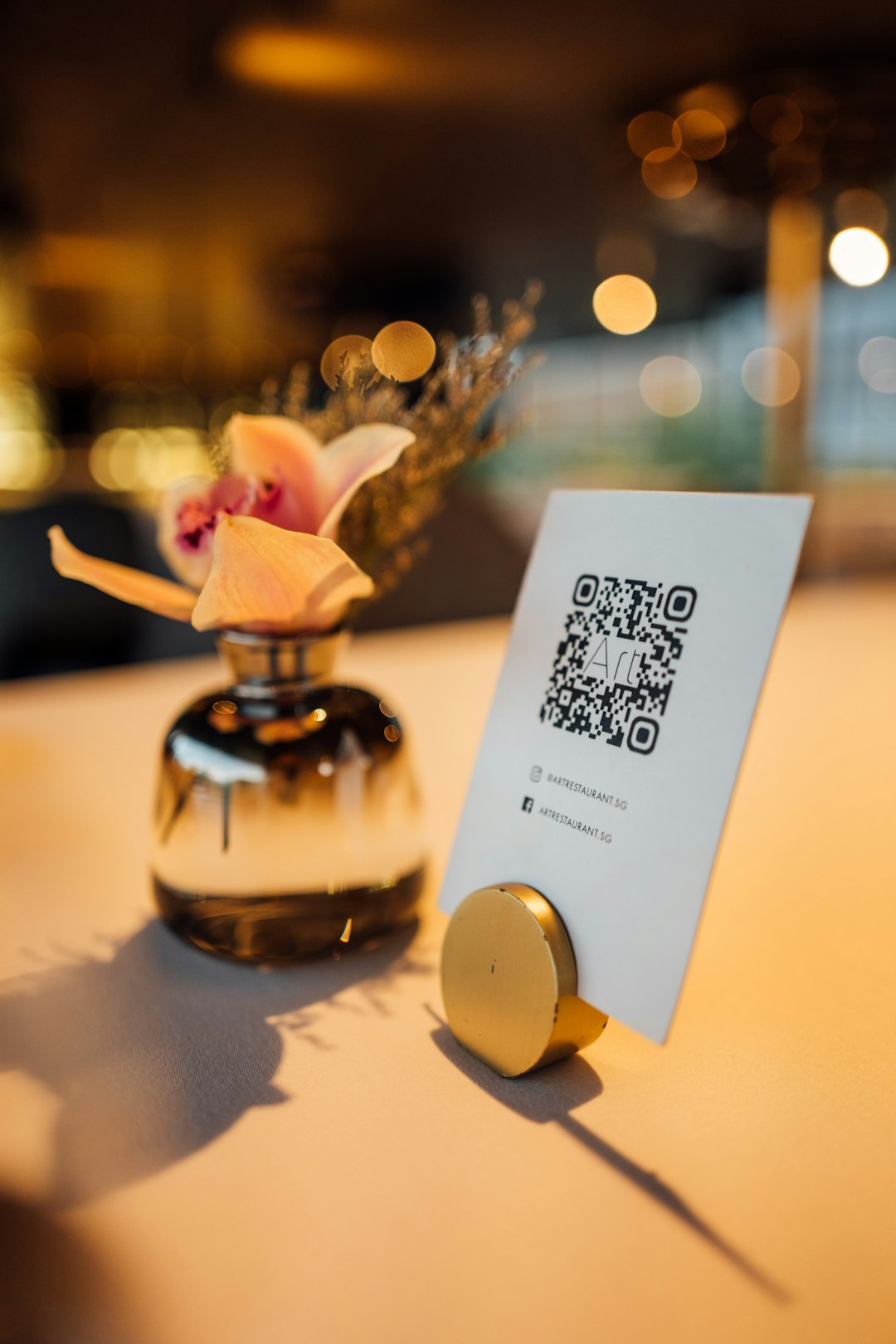
- QR codes require a camera scan, while NFC tags require a close tap. NFC can feel faster and more seamless, while QR codes are cheaper to print and easier to display at a distance.
