


In an age where digital networking dominates, the humble business card remains a powerful symbol of professionalism and brand identity. But not all business card makers are created equal—especially when it comes to design flexibility. Whether you’re a freelancer, startup founder, or corporate marketing manager, the right platform can mean the difference between a cookie-cutter card and a distinctive brand statement.
TL;DR: Not all business card makers offer the same level of creative freedom. Platforms like Canva and Adobe Express provide high design flexibility, while services like Vistaprint and Moo balance customization with guided simplicity. If complete control over typography, layouts, and branding elements matters to you, focus on tools that offer advanced editing features and file export options. Your ideal choice depends on how much control you want versus how much design help you need.
Why Design Flexibility Matters
A business card is often your first tangible brand interaction. Design flexibility determines how well you can:
- Match brand colors and typography precisely
- Adjust layouts beyond pre-made templates
- Incorporate logos, QR codes, and custom graphics
- Choose unique finishes, shapes, and materials
Some users want drag-and-drop simplicity. Others demand pixel-level control. Understanding where each platform sits on this spectrum is key.
The Key Players in Business Card Design
Let’s compare five popular platforms known for creating business cards:
- Canva
- Vistaprint
- Moo
- Adobe Express
- Zazzle
Each offers a different balance between customization, usability, and print quality.
Image not found in postmetaQuick Comparison Chart
| Platform | Template Variety | Custom Design Control | Typography Freedom | Advanced Print Options | Best For |
|---|---|---|---|---|---|
| Canva | Very High | High | High | Moderate | Creative professionals |
| Vistaprint | High | Moderate | Moderate | High | Small businesses |
| Moo | Moderate | Moderate | Moderate | Very High | Premium branding |
| Adobe Express | High | Very High | Very High | Limited (external print) | Design-focused users |
| Zazzle | High | Moderate | Moderate | High | Unique materials and finishes |
1. Canva: Maximum Creative Freedom for Non-Designers
Design flexibility rating: 4.5/5
Canva strikes a near-perfect balance between ease of use and customization depth. With thousands of templates, you can start simple or build from scratch.
Strengths:
- Custom dimensions support
- Full control over fonts, spacing, and alignment
- Extensive icon and illustration library
- Easy QR code generation
Unlike more restrictive platforms, Canva allows you to move and resize elements freely. You can also upload custom fonts (on premium plans), which significantly enhances branding consistency.
Limitation: Print finishing options like embossed lettering or specialty textures aren’t as robust as dedicated print services.
2. Vistaprint: Structured Customization with Strong Printing Options
Design flexibility rating: 3.5/5
Vistaprint excels in guided customization. You select a template, adjust text and colors, and preview the finished product in real time.
Strengths:
- Strong print finishing options (spot UV, foil, raised print)
- Easy color adjustments
- Reliable brand color matching
However, layout movement can feel constrained. Elements often “snap” into place, limiting complete creative freedom.
For users who prioritize printing quality over intricate customization, this trade-off can be worthwhile.
3. Moo: Premium Finishes with Moderate Design Control
Design flexibility rating: 3.5/5
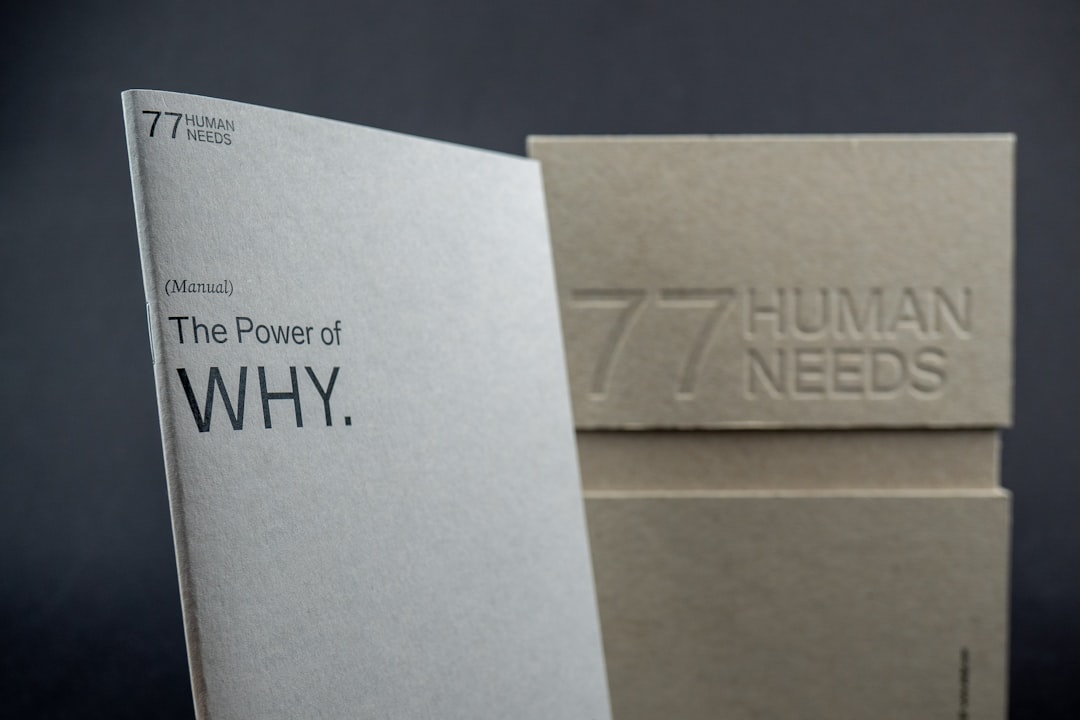
Moo is known for luxurious materials and exceptional print quality. If tactile impact matters to you, few platforms compare.
Standout features:
- Thick premium cardstock
- Gold and silver foil accents
- Textured and soft touch finishes
- Ability to print different designs on every card
Moo allows a fair degree of customization but provides fewer template manipulations than Canva or Adobe Express. It’s ideal if your focus is material impact rather than granular design adjustments.
4. Adobe Express: Near-Professional Design Freedom
Design flexibility rating: 5/5
Adobe Express offers one of the highest levels of control without requiring full Illustrator expertise. It’s especially powerful for users already familiar with Adobe tools.
Advantages:
- Precise typography controls
- Layer management
- Brand kit integration
- Seamless Creative Cloud compatibility
You can fine-tune kerning, alignment, and hierarchy—features that matter to design purists. However, printing often requires exporting files and using a third-party print provider.
This platform is best suited for entrepreneurs who want near-agency-quality design autonomy.
5. Zazzle: Creative Marketplace with Custom Materials
Design flexibility rating: 3.5/5
Zazzle functions as both a design tool and marketplace. You can browse pre-designed cards and tweak them to your liking.
Highlights:
- Unique shapes and die cuts
- Wide variety of paper stocks
- Independent designer templates
The primary limitation is that customization depth depends on the template creator’s settings. Some designs allow extensive editing; others are more locked down.
Breaking Down Design Flexibility Factors
To truly compare platforms, consider these five dimensions:
1. Typography Control
Can you upload fonts? Adjust letter spacing? Manipulate line height? Adobe Express leads here, with Canva following closely.
2. Layout Freedom
Does the platform allow freeform placement or restrict you to grid snapping? Excessive constraint can stifle creativity.
3. Branding Integration
Brand kits—stored colors, logos, and font presets—save significant time and ensure consistency.
4. Export Options
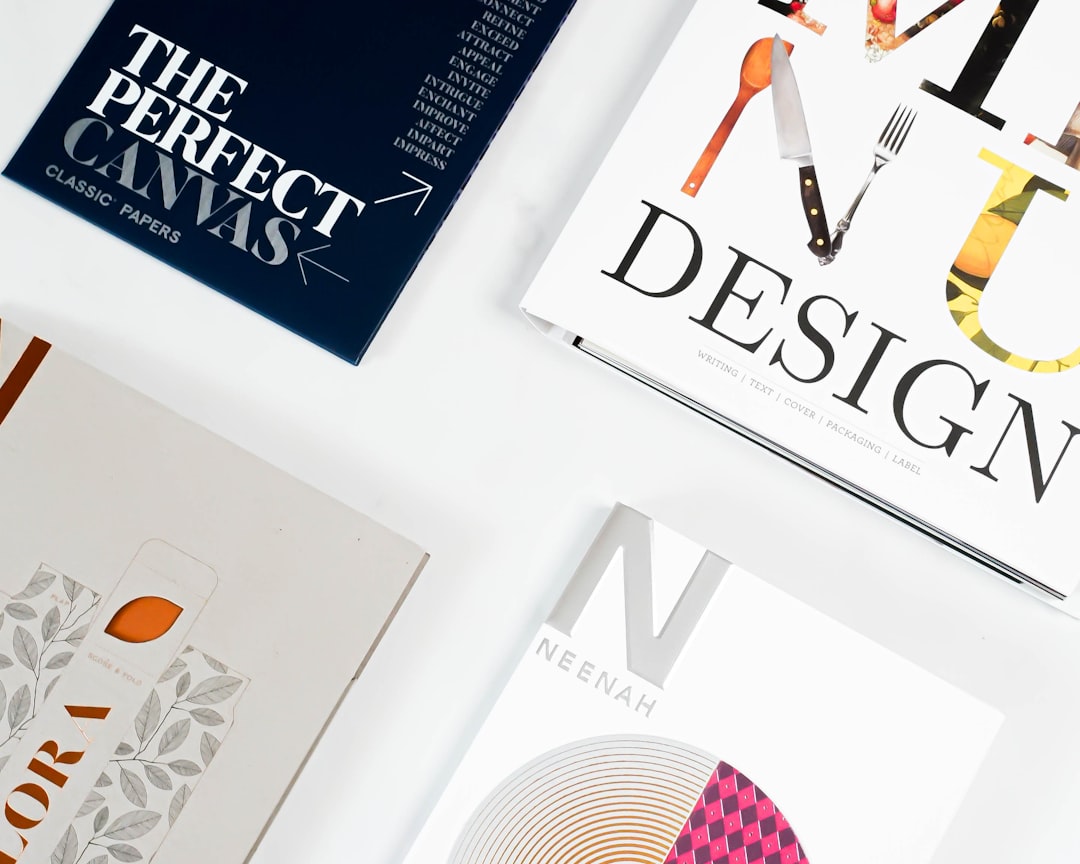
High-resolution PDFs, bleed settings, and CMYK support are crucial for professional printing.
5. Print Specialization
Premium finishes such as embossing and foil often require a specialized print provider like Moo or Vistaprint.
Which Platform Should You Choose?
If you prioritize creative freedom:
- Choose Adobe Express or Canva
If print quality and premium materials matter most:
- Choose Moo
If you want ease and reliability:
- Choose Vistaprint
If you want marketplace variety:
- Choose Zazzle
The Final Verdict on Design Flexibility
Ultimately, “best” depends on your needs. For entrepreneurs who view their business card as a miniature branding canvas, platforms offering deeper customization—like Adobe Express or Canva—deliver more impact. For professionals who want to impress through texture and finishing touches, Moo offers standout physical quality.
A business card may be small, but the design decisions behind it are anything but. By evaluating typography control, layout flexibility, material options, and export capabilities, you can choose a platform that aligns with your creative ambitions and business goals.
In a competitive market, even a 3.5 x 2 inch rectangle can make a lasting impression—if you have the flexibility to design it your way.
