


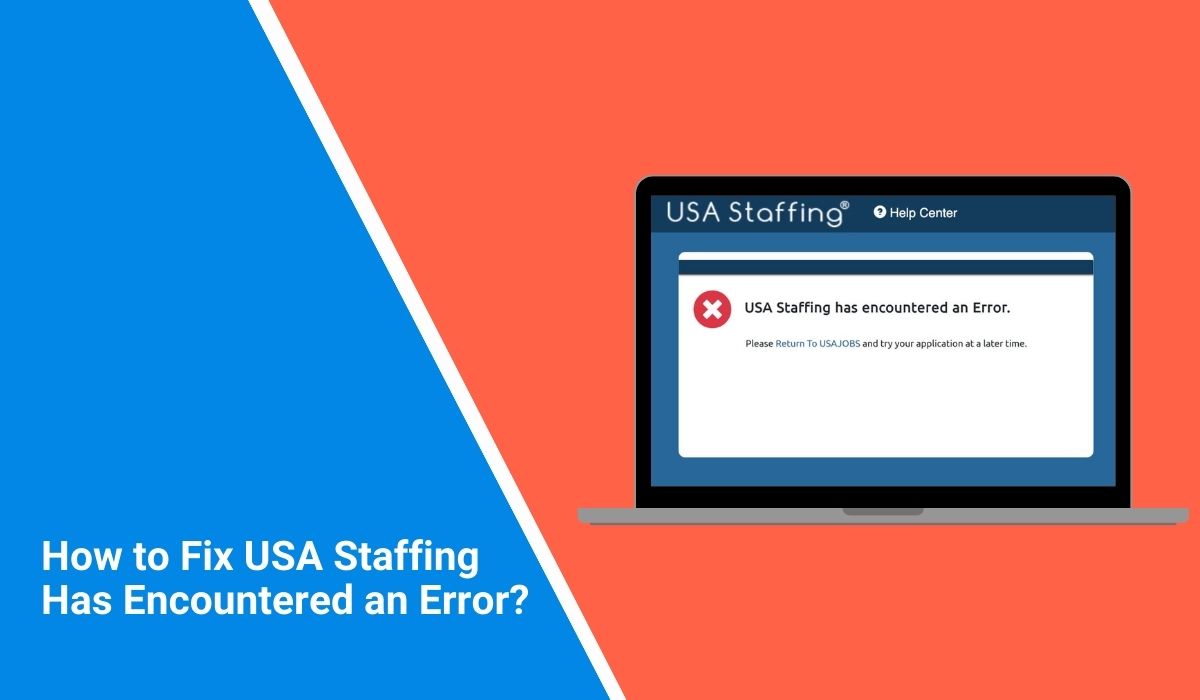
This guide explains what the error means and how you can fix it. You will also learn why the issue happens and what steps help keep the USA Staffing hiring portal working smoothly.
What Is the USA Staffing Has Encountered an Error Message?
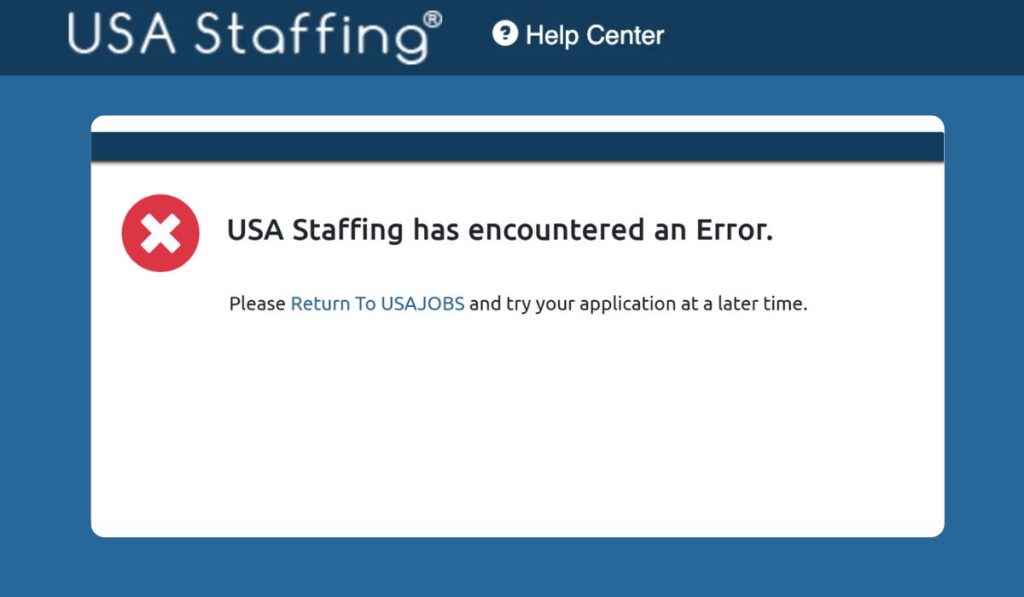 The message “USA Staffing has encountered an error” appears when the USA Staffing system cannot process a request between your web browser and the federal hiring server. The platform, managed through the Office of Personnel Management, supports recruitment for many government agencies. It connects with USAJOBS, applicant profiles, hiring dashboards, and onboarding tools.
When the system fails to load data or verify a login session, the platform displays this error message. The issue may involve the browser session, authentication process, or server response from the federal hiring system.
Users often see the message while logging in through USAJOBS, opening the candidate dashboard, or submitting forms in the USA Staffing onboarding portal.
Common Causes of the USA Staffing Error
The error may appear because of several technical issues. Some problems occur inside the browser, while others relate to the USA Staffing servers or the user session.
Common causes include:
- Expired login session after long inactivity
- Corrupted browser cache or stored cookies
- Disabled cookies blocking the authentication process
- Outdated versions of Google Chrome, Microsoft Edge, or Firefox
- Weak or unstable internet connection
- Temporary USA Staffing server maintenance
- Access restrictions related to the user account
These issues interrupt communication between the browser session and the federal hiring platform.
How to Fix “USA Staffing Has Encountered an Error”?
Fixing this problem usually requires refreshing the browser session or removing temporary files stored by the browser. The USA Staffing system depends on secure login authentication and browser cookies to load user pages. If the browser holds outdated session data, the system may fail to verify the request.
The fixes below focus on refreshing the connection between your browser and the USA Staffing servers so the hiring portal loads properly again.
Fix #1 Refresh the Web Page
Sometimes the error appears because the page fails to load properly during the first request.
Follow these simple steps to refresh the page.
- Press F5 on your keyboard.
- Wait for the page to reload.
- Check whether the USA Staffing dashboard loads again.
Refreshing the page often restores the connection with the server.
Fix #2 Clear Browser Cache and Cookies
Browsers store temporary files to load websites faster. However, corrupted cache data can cause login or loading errors.
Follow these steps to clear the cache.
- Open your browser settings.
- Navigate to Privacy and Security.
- Select Clear browsing data.
- Choose cookies and cached images.
- Restart the browser.
This removes old session data and allows the USA Staffing portal to start a fresh session.
Fix #3 Log Out and Log Back In
An expired authentication session may trigger the error message.
Follow these steps.
- Log out of the USA Staffing account.
- Close your browser completely.
- Reopen the browser.
- Visit USAJOBS again.
- Sign back into the USA Staffing system.
This process creates a new login session.
Fix #4 Update Your Web Browser
Older browser versions sometimes struggle with secure government websites.
Follow the steps below.
- Open browser settings.
- Navigate to the About section.
- Check for browser updates.
- Install the latest version.
- Restart the browser.
Updated browsers handle secure login sessions more reliably.
Fix #5 Try Another Web Browser
Sometimes a specific browser configuration causes problems with secure portals.
Try accessing USA Staffing using a different browser such as:
- Google Chrome
- Microsoft Edge
- Mozilla Firefox
- Safari
Switching browsers can resolve compatibility issues.
Fix #6 Check Your Internet Connection
A weak network can interrupt communication with the USA Staffing server.
Try these steps.
- Restart your router or modem.
- Reconnect your device to the internet.
- Open another website to confirm the connection works.
A stable connection allows the system to load the hiring dashboard correctly.
Fix #7 Disable Browser Extensions
Certain browser extensions block scripts used by secure government websites.
Follow these steps.
- Open the browser extension manager.
- Disable extensions such as ad blockers or security plugins.
- Restart the browser.
- Open the USA Staffing login page again.
If the system loads correctly, the extension was blocking the page.
Fix #8 Contact USA Staffing Support
Sometimes the issue comes from the USA Staffing system itself. Server maintenance or system updates may interrupt services temporarily.
If the error continues after trying the fixes above, contact the USA Staffing help desk or the Office of Personnel Management support team. They can check the server status and provide additional assistance.
Prevention Tips to Avoid USA Staffing Errors
Keeping your browser and system settings updated can help reduce errors when accessing the federal hiring platform. Because the system relies on secure sessions and browser authentication, clean browser data and stable internet access make a big difference.
Helpful tips include:
- Use updated browsers such as Chrome, Edge, or Firefox
- Allow cookies for government websites
- Avoid leaving the session idle for long periods
- Maintain a stable internet connection
- Clear browser cache regularly
- Disable conflicting browser extensions
- Check for scheduled USA Staffing system maintenance
These small steps can help the platform run smoothly when you access your USAJOBS application or onboarding tasks.
Conclusion
The message “USA Staffing has encountered an error” usually appears when the system cannot complete a request between the browser and the federal hiring server. Problems such as expired login sessions, corrupted browser cache, disabled cookies, or temporary server maintenance can interrupt access to the USA Staffing portal. Because the platform relies on secure authentication and browser sessions, even a small configuration problem can trigger the error.
Most users solve the issue by refreshing the page, clearing browser cache, logging in again, or updating their browser. If the problem continues, the USA Staffing support team may need to check the system or your account.
If this guide helped you solve the issue, share it with others who use USAJOBS or USA Staffing. You can also leave a comment and explain which solution worked for you.
