


When your Oilsky MP3 player refuses to turn on, it can be frustrating—especially if you rely on it for workouts, commutes, or focused listening. While the issue may seem serious, most power-related problems are caused by simple, fixable factors such as battery drain, charging faults, or minor system freezes. With a structured troubleshooting approach, you can often restore your device without professional repair.
TLDR: If your Oilsky MP3 player is not turning on, first check the battery and charging cable, then inspect the charging port and try a forced reset. Many issues stem from power depletion, faulty accessories, or system freezes rather than internal hardware failure. If basic troubleshooting fails, consider battery replacement or professional repair. Follow the steps below carefully to diagnose and fix the issue efficiently.
Understanding Why Your Oilsky MP3 Player Won’t Turn On
Before attempting repairs, it’s important to understand the most common causes behind power failures in portable media devices. An Oilsky MP3 player typically fails to power on for one of the following reasons:
- Completely drained or faulty battery
- Defective charging cable or adapter
- Dirty or damaged charging port
- Software freeze or firmware glitch
- Internal hardware malfunction
Systematically ruling out each possibility will prevent unnecessary damage and save time.
Step 1: Check the Battery and Charging Basics
The most common reason an Oilsky MP3 player won’t power on is a fully depleted battery. Lithium-ion batteries can become deeply discharged if left unused for extended periods.
What to Do:
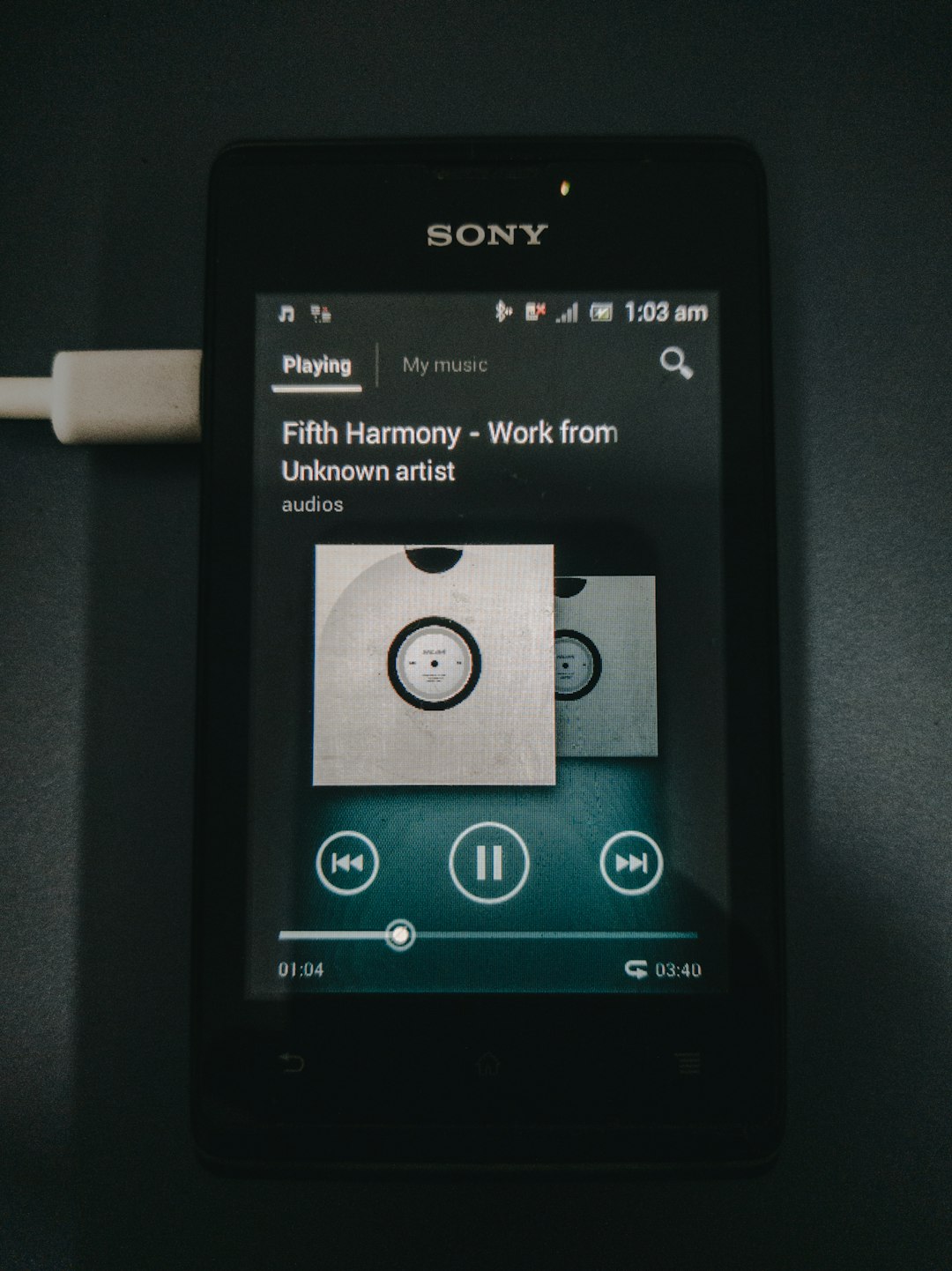
- Connect the device to a wall charger (not a computer USB port).
- Leave it charging for at least 30–60 minutes before attempting to power it on.
- Look for any charging indicator light or screen activity.
- Try a different USB cable and power adapter.
If the device shows no signs of charging, the problem likely lies with the cable, adapter, or internal battery.
Important Tip:
Always use a reliable power source. Low-quality charging accessories may supply insufficient voltage, preventing the battery from activating properly.
Step 2: Inspect the Charging Port
Dust, lint, or debris inside the charging port can block proper power transfer. This is especially common if the device is frequently carried in pockets or bags.
How to Inspect Safely:
- Turn off the device completely (if possible).
- Use a flashlight to look inside the charging port.
- Gently remove debris with a wooden toothpick or soft brush.
- Do not use metal objects, which can cause short circuits.
If the port feels loose or damaged, internal solder joints may have failed. In this case, professional repair is recommended.
Step 3: Perform a Forced Restart
Sometimes the device is not truly “dead” but frozen due to a firmware glitch. If the screen remains black but the battery is charged, try a forced restart.
How to Force Restart an Oilsky MP3 Player:
- Press and hold the Power button for 10–20 seconds.
- If available, press and hold Power + Volume Up simultaneously.
- Release and wait a few seconds before attempting to power on again.
This resets minor software locks without deleting your stored music files.
Step 4: Test with a Computer Connection
Connecting the MP3 player to a computer can help determine whether it still receives power.
- Connect using a known working USB cable.
- Check if your computer detects the device.
- Listen for connection sounds from your computer.
If the device is recognized but the screen stays off, the issue may involve the display rather than total power failure.
Step 5: Consider Battery Failure
If your Oilsky MP3 player is several years old, the battery may no longer hold a charge. Lithium-ion batteries degrade over time due to charge cycles and storage conditions.
Signs of Battery Failure:
- Device turns on briefly, then shuts off
- Requires constant charging to stay powered
- Overheats during charging
- No response after prolonged charging
Replacing the battery can restore full functionality, but this process may require opening the device casing.
Troubleshooting Comparison Chart
| Problem | Difficulty Level | Tools Needed | Estimated Cost | Success Likelihood |
|---|---|---|---|---|
| Dead Battery (Recharge) | Very Easy | Working Charger | Free | High |
| Faulty Cable or Adapter | Very Easy | Replacement Cable | Low | High |
| Dirty Charging Port | Easy | Toothpick, Flashlight | Free | Moderate to High |
| Software Freeze | Easy | None | Free | Moderate |
| Battery Replacement | Moderate | Screwdriver Kit, Battery | Moderate | Moderate |
| Internal Hardware Damage | Difficult | Professional Repair | High | Varies |
Step 6: Reset to Factory Settings (If Possible)
If the device powers on intermittently, resetting it to factory settings may eliminate firmware corruption.
General Reset Steps:
- Navigate to Settings.
- Select System or Restore Factory Settings.
- Confirm the reset.
Note: This may erase saved settings and files. Always back up your music if the device is accessible through a computer.
When to Seek Professional Repair
If none of the above steps restore power, the issue may involve deeper hardware failure, such as:
- Damaged motherboard components
- Broken power button mechanism
- Short circuit from liquid exposure
Professional repair technicians can diagnose circuit-level failures using specialized equipment. However, consider the cost of repair versus replacement. In some cases, purchasing a new MP3 player is more economical.
Preventing Future Power Issues
Preventative care significantly reduces the likelihood of power-related problems.
Best Practices:
- Avoid letting the battery drain to 0% regularly.
- Store the device in a cool, dry place.
- Use quality charging accessories.
- Keep the charging port clean.
- Update firmware when updates are available.
Regular charging cycles and proper storage extend the lifespan of lithium-ion batteries.
Frequently Asked Questions
Why won’t my Oilsky MP3 player turn on even after charging overnight?
This often indicates a faulty cable, defective battery, or internal charging circuit failure. Try replacing the cable first before assuming battery failure.
Can a completely dead battery revive after long charging?
Sometimes. Deeply discharged batteries may take up to an hour before showing signs of life. However, repeated deep discharge shortens battery lifespan permanently.
Is it safe to replace the battery myself?
It can be safe if done carefully with proper tools. However, improper installation can damage internal components or create safety hazards.
Final Thoughts
An Oilsky MP3 player that won’t turn on may appear beyond repair, but in most cases, the solution is straightforward. Power issues are typically related to charging accessories, battery condition, or minor software malfunctions rather than catastrophic hardware failure. By applying a methodical troubleshooting approach—starting with the simplest explanations—you can often restore functionality without professional intervention.
If, after careful testing, the device remains unresponsive, weigh repair costs against replacement value. Technology is replaceable, but your media library and listening experience are worth protecting. With proper care and regular maintenance, your Oilsky MP3 player should continue delivering reliable performance for years to come.
