


Ever tried to score a hot deal on Slickdeals only to have the site crash on you? That’s frustrating. You’re ready to get a steal on that gadget, shoes, or subscription — but the site freezes, doesn’t load, or plain vanishes. Don’t worry, we got you.
TLDR:
If Slickdeals keeps crashing, it could be due to high traffic, browser issues, or outdated app info. Clear your browser cache, check the server status, or update the app. Try switching devices or using incognito mode. Still crashing? We’ve got more simple fixes for you below.
Why Does Slickdeals Crash?
Let’s start with the basics. A website like Slickdeals can crash for a bunch of reasons:
- Heavy traffic – Thousands of people jumping on a deal at the same time.
- Browser issues – Old cache or buggy extensions can mess things up.
- App bugs – If you’re using the mobile app, it might be outdated or glitchy.
- Server errors – Sometimes, it’s not you. The Slickdeals servers might just be overloaded.
- Network problems – Wi-Fi ghosts or your ISP being slow can cause troubles.
Now that you know why it might be crashing, let’s fix it step by step.
1. Try a Hard Refresh
Sometimes it’s as easy as a hard refresh. A normal refresh (pressing F5 or clicking the reload button) may not cut it because your browser still loads outdated cache.
Here’s how to hard refresh:
- Windows (Chrome, Firefox, Edge): Press Ctrl + Shift + R
- Mac: Press Command + Shift + R
This re-downloads all website data fresh. In many cases, that’s all you need.
2. Clear Your Cache
Think of your browser’s cache like a messy closet. Too much junk? Things won’t run smoothly.
To clear browser cache, follow these quick steps:
- Open browser settings.
- Go to “Privacy & Security”.
- Click “Clear Browsing Data”.
- Select “Cached images and files”.
- Hit Clear.
Now reload Slickdeals and see if it works!
3. Use Incognito Mode
Still no luck? Try visiting Slickdeals in incognito or private browsing mode. Why?
Because:
- No extensions get in the way.
- Fresh session with no cookies or cache.
This clears up a lot of problems, especially if an extension is misbehaving.

4. Check Slickdeals Server Status
Sometimes, the problem isn’t on your side. Slickdeals could be having a bad day.
Check these places:
- Downdetector – Type in “Slickdeals” and check for outages.
- Slickdeals official Twitter account — They sometimes post updates.
If other people are seeing the same issue, just sit tight. Pour some coffee. Refresh later.
5. Update the Mobile App
Using the Slickdeals app on iOS or Android? Crashes could come from an outdated version.
Apps often get bug fixes and updates, so here’s what to do:
- Go to your App Store or Google Play Store.
- Search for Slickdeals.
- Check if there’s an Update button. If yes, tap it.
Then reopen the app and try again. Boom. Problem solved — hopefully.
6. Too Many Tabs Open?
Are you one of those folks with 84 tabs open at all times? Guilty? Same here. 😅
But here’s the deal — having too many tabs open can slow down your browser, stress your system, and crash data-heavy sites.
Try closing:
- Unused tabs.
- Background apps.
- Anything eating a ton of memory.
Then refresh Slickdeals and see if it holds up better. Faster, smoother, cleaner!
7. Switch Devices or Browsers
If you’re still stuck, change things up.
- Open Slickdeals on a different browser (like switching from Chrome to Firefox).
- Use your phone instead of your computer, or vice versa.
Sometimes the issue is very browser-specific. Or it’s just your device acting up.
8. Disable Browser Extensions
Extensions can be sneaky troublemakers. Especially ad blockers or coupon tools (ironic, right? 😅).
What to do:
- Go to browser extensions/add-ons settings.
- Disable all of them.
- Reload Slickdeals.
- If it works, enable extensions one by one to find the guilty one.
Once you know the bad egg, you can ditch it or find an alternative.
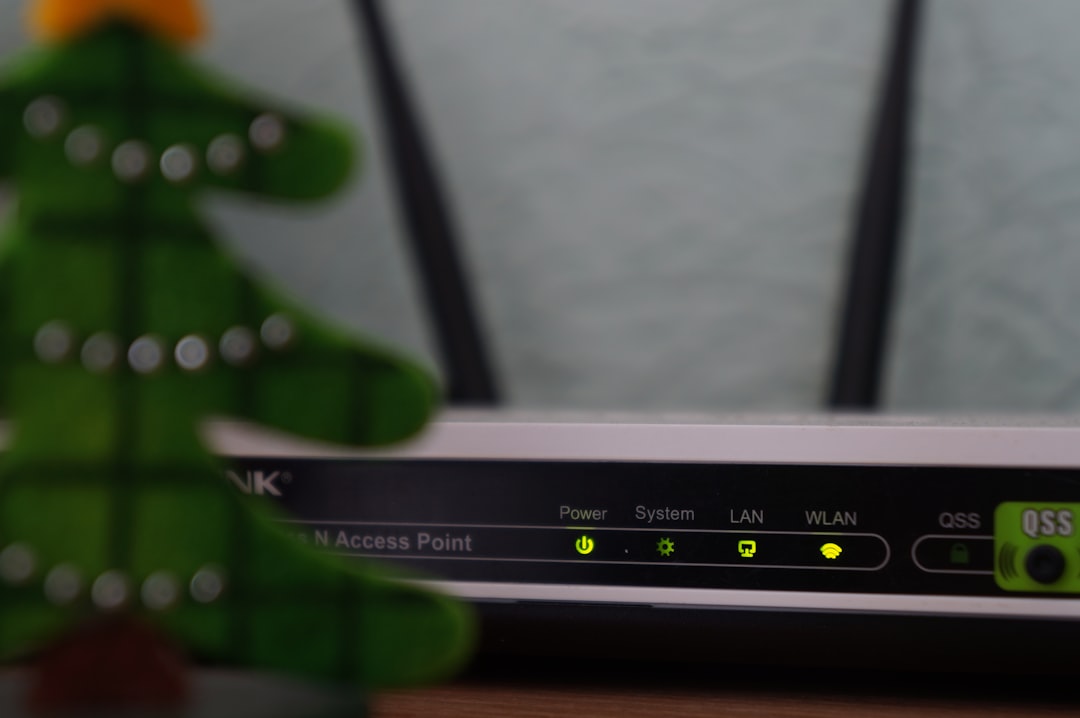
9. Reboot Your Router
Sometimes crashing isn’t just about the site — it could be your internet.
A quick router restart can:
- Fix DNS issues.
- Improve signal strength.
- Reset laggy connections.
How? Just turn off your router, wait 30 seconds, and turn it back on. Then try Slickdeals again. Magic reset!
10. When All Else Fails…
If nothing else works — contact the pros.
Slickdeals Help:
- Check their help center.
- Submit a support ticket for technical problems.
They might already know about the issue or give you a precise fix.
Bonus Tips 🎁
- Add Slickdeals to your trusted sites in your browser settings for fewer security blocks.
- Use the Slickdeals Chrome Extension instead of the app or website — sometimes it’s more stable.
- Bookmark the “Hot Deals” page directly for faster loading.
Final Thoughts
Tech can be finicky, we know. But don’t let a glitchy moment stand between you and a $100 discount on headphones! If Slickdeals keeps crashing, you’re now armed with quick, easy fixes. Try them one at a time, and you’ll be back to snagging deals in no time.
In the words of frugal warriors everywhere: “Don’t pay full price!”
