


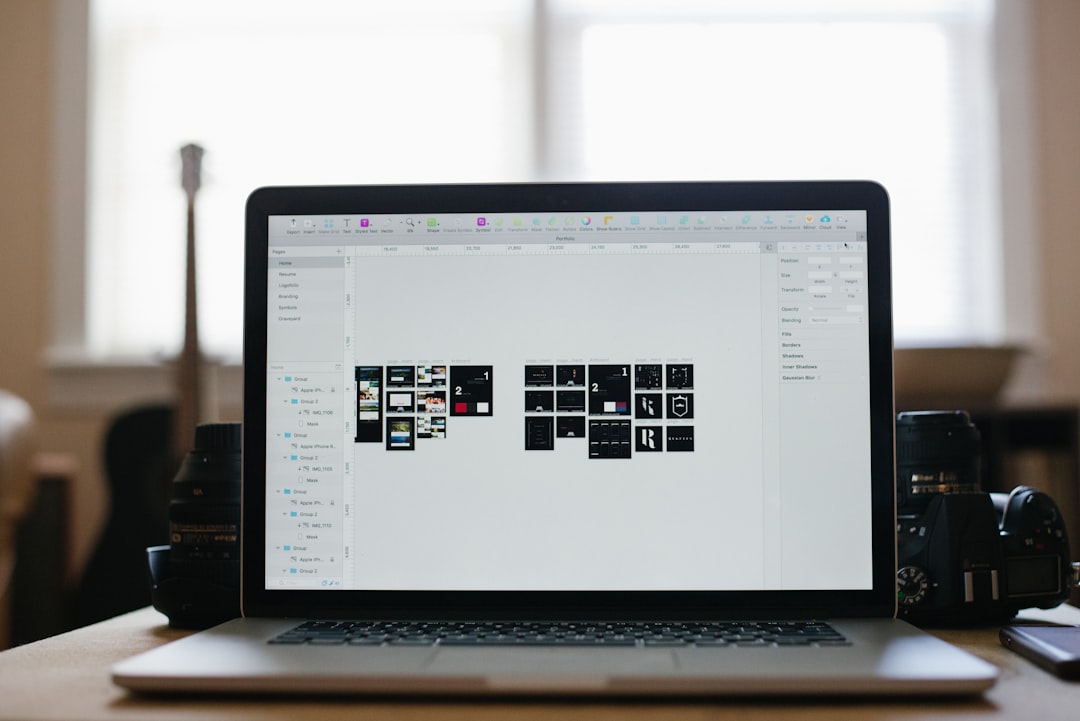
Adobe tools are powerful. But they are not the only game in town. Many creators feel stuck between expensive subscriptions and complex software they barely use. The good news? There are amazing alternatives hiding in plain sight. Some are cheaper. Some are simpler. Some are both. Let’s explore five hidden Adobe replacements that deserve your attention.
TLDR: You don’t need to rely on Adobe for every creative task. There are smart, affordable tools that handle photo editing, video editing, design, and publishing with ease. From powerful open source options to sleek modern apps, these alternatives can save money and time. Here are five hidden gems you should try today.
1. Affinity Photo – The Quiet Photoshop Rival
If you love Photoshop but hate subscriptions, Affinity Photo might be your new best friend.
It looks familiar. It feels professional. But you only pay once. No monthly bills.
Affinity Photo handles:
- RAW photo editing
- Layer based compositions
- Advanced retouching
- HDR merging
- Panorama stitching
It even supports PSD files. So you can open Photoshop projects without panic.
The interface is clean. Not cluttered. Tools are organized into “personas.” That means the workspace changes depending on what you are doing. It helps you focus.
Is it perfect? Not entirely. Some advanced Photoshop plugins won’t work. And if you rely heavily on AI powered generative tools, you may miss them.
But for photographers and designers? It’s powerful. Fast. Affordable.
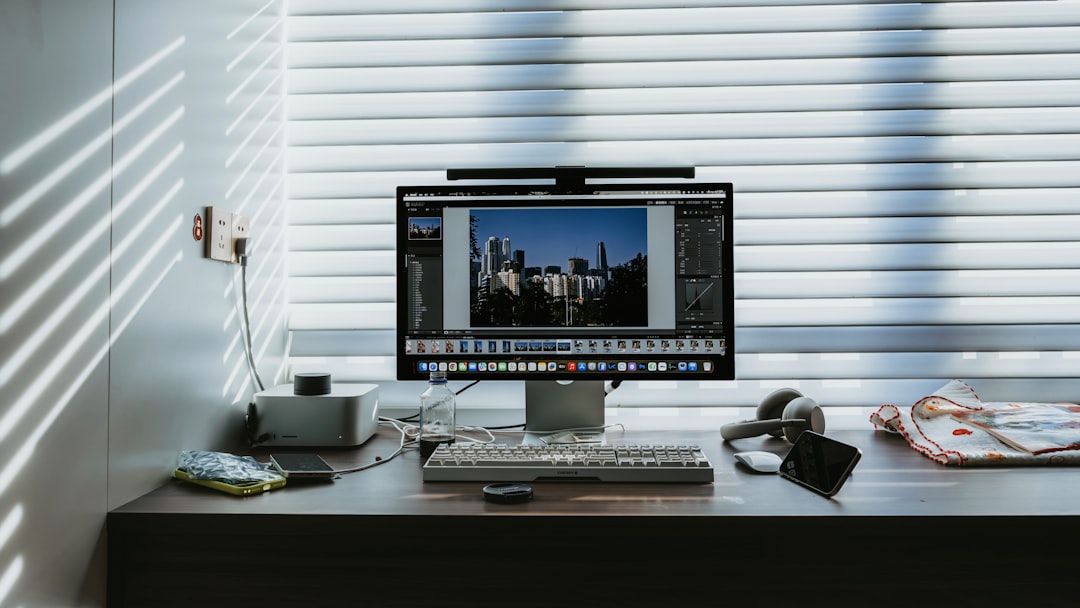
2. DaVinci Resolve – More Than Just a Premiere Replacement
Most people know Premiere Pro. Fewer realize how strong DaVinci Resolve really is.
Here is the twist. The free version of DaVinci Resolve is insanely capable.
You get:
- Professional video editing
- Hollywood level color grading
- Audio post production tools
- Visual effects workspace
All in one program.
Resolve separates tasks into pages. Edit page. Color page. Fusion page. Fairlight page. It keeps everything organized. Clean. Focused.
The color grading tools are legendary. Big studios use them for films. That is not marketing hype. That is real.
The learning curve can feel steep at first. There are buttons everywhere. But once you understand the workflow, it clicks.
If you create YouTube videos, short films, commercials, or documentaries, this tool can handle it.
And yes. There is a one time paid version. But many creators never need it.
3. Photopea – The Browser Based Secret Weapon
Now let’s talk about something surprising.
Photopea runs in your browser.
No installation. No heavy downloads. Just open it and start editing.
At first glance, it looks exactly like Photoshop. The layout. The toolbar. The layers panel. It feels familiar within seconds.
But here is the cool part. Photopea supports:
- PSD files
- XD files
- Sketch files
- PDF files
- Standard JPG and PNG formats
That makes it extremely flexible.
It is great for:
- Quick edits on shared computers
- Students
- Freelancers working remotely
- People with lower powered laptops
Is it as powerful as desktop Photoshop? No. Not fully.
But for most design and photo correction tasks? It works shockingly well.
The fact that it runs in a browser makes it feel magical. Edit. Save. Download. Done.
4. Scribus – The Underrated Publishing Hero
Many creators forget about publishing software. Until they need it.
Brochures. Magazines. eBooks. Flyers. Layout design matters.
Instead of using InDesign, you can try Scribus.
Scribus is open source. That means free. But don’t let that word fool you.
It supports professional features like:
- CMYK color management
- PDF export for print
- Precise typography controls
- Master pages
- Templates
The interface is not flashy. It feels a bit old school.
But it works.
If you run a small business. Or publish community newsletters. Or design print materials regularly. Scribus can save you serious money.
You may need patience during the learning stage. It is not as polished as commercial tools.
Still, it gets the job done. And sometimes, simple and functional beats shiny and expensive.
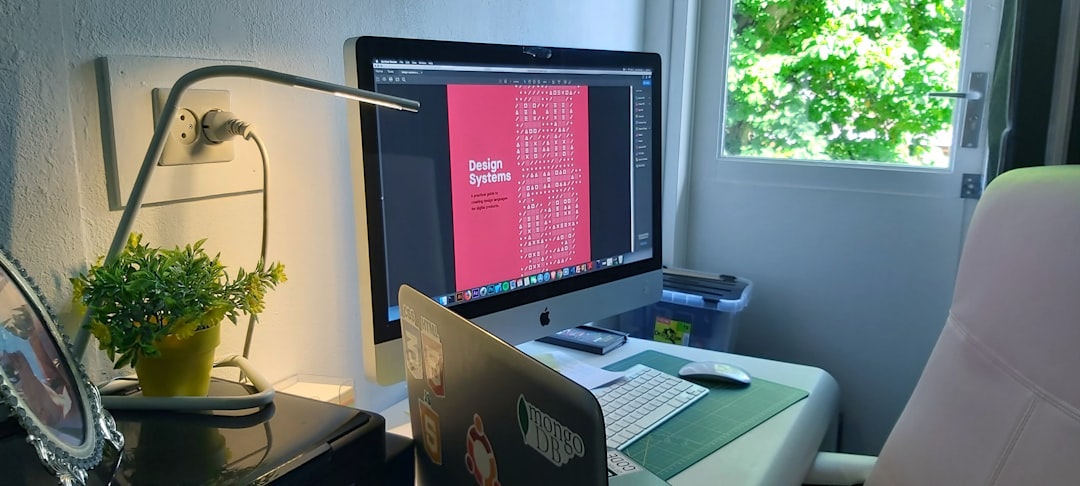
5. Figma – The Cloud Native Design Machine
Figma is not exactly hidden. But many still overlook its full power.
Originally built for UI design, it has grown into something much bigger.
Think of it as a mix of Illustrator, XD, and collaborative magic.
Figma runs in your browser. Like Photopea. But it feels much more advanced.
With Figma, you can:
- Design apps and websites
- Create social media graphics
- Build marketing materials
- Prototype interactive experiences
- Collaborate in real time
Yes. Real time.
Multiple people can design together. Live. You see their cursors moving. It feels like Google Docs for design.
This is huge for teams.
No more sending versions back and forth. No more “final_final_v4.psd” files.
The free tier is generous. Enough for freelancers and small teams to get started.
If your work lives online, Figma makes sense. It removes friction. It connects people. It speeds up feedback.

Why These Tools Matter
Adobe products are strong. Nobody denies that.
But they are not always necessary.
Many creators only use 30% of the features they pay for.
That is like buying a spaceship to drive to the grocery store.
Alternatives matter because they:
- Reduce costs
- Simplify workflows
- Encourage experimentation
- Lower the barrier to entry
Students benefit. Freelancers benefit. Small businesses benefit.
You do not need a premium subscription to create amazing work.
How to Choose the Right One
Ask yourself a few simple questions:
- Do I need advanced professional tools, or just basics?
- Is collaboration important to me?
- Do I prefer desktop apps or browser tools?
- Am I working mostly with print, web, photo, or video?
Your answers will guide you.
If you edit photos professionally, try Affinity Photo.
If you produce videos, test DaVinci Resolve.
If you need quick edits anywhere, use Photopea.
If you design print layouts, explore Scribus.
If you collaborate online, dive into Figma.
You don’t have to switch forever. Just experiment.
Final Thoughts
The creative world is bigger than one company.
New tools appear every year. Many are powerful. Many are affordable. Some are even free.
The key is curiosity.
Download one. Test it. Create something small. See how it feels.
You might discover a workflow that is faster. Or simpler. Or more fun.
Software should support your creativity. Not limit it. Not drain your budget.
The best tool is the one that helps you create consistently.
And now you have five strong options to explore.
Try them. Break them. Compare them.
You may never look at your old subscription the same way again.
