



In a world overflowing with all-in-one creative platforms, it’s tempting to use one tool for every phase of the design process. These platforms promise to simplify workflows, consolidate assets, and standardize collaboration. However, many designers still prefer specialized, smaller tools that offer sharp focus, precision, and faster performance. Instead of relying on a jack-of-all-trades, they reach for tools that excel in just one or two areas—and they’re not looking back.
TL;DR
While all-in-one platforms offer convenience, many designers prefer smaller, purpose-built tools for tasks like prototyping, color management, typography, and icon design. These tools often provide faster workflows, cleaner interfaces, and more precise control. Specialized design apps are lightning-fast and adapt quickly to market trends. For designers chasing efficiency and flexibility, these tools are often a better fit over bloated software suites.
Why Designers Favor Specialized Tools
The creative process is, by nature, nonlinear—a burst of inspiration here, a round of client feedback there. Larger, fully integrated tools often come with steep learning curves and non-essential features that bog down the workflow. Smaller tools, on the other hand, typically focus on doing one thing extremely well. This allows designers to tailor their workflows by mixing and matching the tools that serve their needs best.
From better performance and simplicity to frequent updates and niche functionalities, here are the top five small design tools that designers consistently choose over bulky all-in-one platforms.
1. Figma’s FigJam – The Ideation Powerhouse
Use case: Brainstorming, wireframing, user flows
Although Figma itself is a robust collaborative design platform, designers often turn to its extension FigJam as a standalone tool for idea generation and early-stage design thinking. Its infinite canvas, draggable elements, and low-fidelity vibe are perfect for wireframing and initial planning.
Why designers love it:
- Lightweight interface that encourages fast thinking
- Real-time collaboration suited for remote teams
- Pre-built components like sticky notes and flow arrows
In essence, FigJam excels at the “thinking before doing” phase—something larger platforms tend to underplay.
2. Coolors – The Color Scheme Wizard
Use case: Finding and exporting color palettes
Choosing the right color palette can make or break a design. Coolors helps designers generate beautiful color combinations in seconds. The interface is as simple as pressing your space bar to explore new palettes until you find the perfect fit.
Why designers love it:
- Quick color scheme generation with hex codes available instantly
- Export options for CSS, SVG, PDF, and image formats
- Great for overcoming creative blocks when choosing colors
Unlike integrated color tools found in larger apps, Coolors offers a fully focused color experience without distractions. Ideal for brand designers and UI stylists alike.
3. IconJar – The Icon Organizer
Use case: Managing icon libraries
Icons are used frequently in modern apps, websites, and presentations. But managing multiple sets across various projects can be a nightmare. IconJar offers a tidy solution that allows users to import, preview, search, and export SVG icons easily.
Why designers love it:
- Drag-and-drop import support for any SVG or icon set
- Tagging and search functions streamline icon discovery
- Export assets quickly in multiple formats
Designers often find IconJar preferable over the clunky asset managers in larger platforms. It keeps workflow decluttered and far more intuitive.
4. Glyphs Mini – For Custom Typography
Use case: Designing and editing typefaces
Glyphs Mini is a compact version of the professional type design software, Glyphs. It caters to designers who want to experiment with custom lettering or create full font families without the complexities of full-on font development suites.
Why designers love it:
- Simplified user interface suitable for beginners and pros alike
- Full control over kerning, spacing, and type anatomy
- Easy export options for OTF fonts
For brand designers or UI/UX professionals who care deeply about typography, Glyphs Mini makes building custom typefaces enjoyable instead of intimidating.
5. Spline – The 3D Design Simplifier
Use case: Creating real-time 3D web elements
With 3D becoming more prevalent in digital products, many designers prefer Spline for quick, drag-and-drop 3D modeling that’s web-optimized from the start. You can create 3D buttons, animations, and transitions directly in the browser.
Why designers love it:
- Real-time previews and intuitive 3D editing
- No coding required to export web-ready 3D assets
- More approachable compared to Blender or Unity
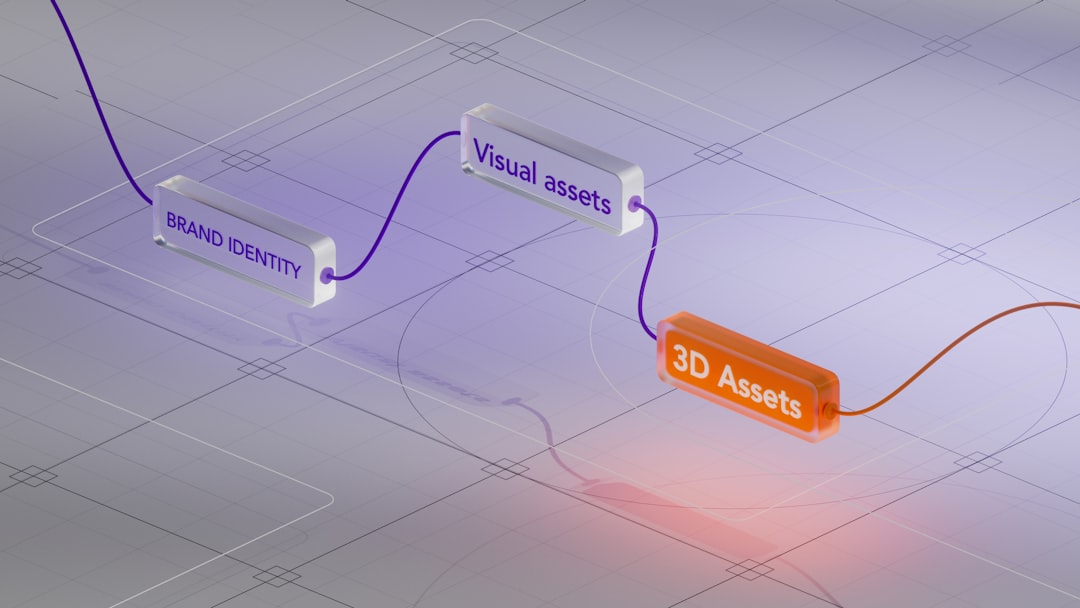
Spline provides the power of interactive design without the steep learning curves associated with traditional 3D tools—bridging the gap between static UI and immersive experiences.
Where Small Tools Outshine the Behemoths
It’s not that all-in-one tools aren’t useful—they clearly have their place. But for daily creative work, many designers find them to be overbuilt and less user-friendly.
Small tools work better because:
- Faster load times and better performance on mid-range machines
- Laser-focused functionality improves task efficiency
- Lower costs for freelancers or budget-conscious teams
- Easier learning curves for newer designers
Most importantly, they allow designers to build their own toolkits, combining the best software across tasks and platforms. It’s the design equivalent of building your own meal instead of ordering the buffet.
Final Thoughts
In the ever-evolving world of design, flexibility and adaptability are key advantages. While all-in-one platforms are still valuable for teams working in large ecosystems, individual designers and agile studios often gain the most from smaller utilities tailored to specific functions.
By leveraging tools like FigJam, Coolors, IconJar, Glyphs Mini, and Spline, creatives can produce better work faster, without the drag of unnecessary features. In design, sometimes less really is more.
Frequently Asked Questions (FAQ)
- Why do designers prefer smaller design tools over comprehensive platforms?
- Smaller tools tend to be faster, simpler, and more focused, allowing designers to maintain streamlined workflows without unnecessary features.
- Can small tools fully replace all-in-one design platforms?
- Not necessarily. It depends on the project and team. For modular workflows or specialized tasks, small tools can be more efficient, but for large-scale projects, all-in-one platforms still have a role to play.
- Are these smaller tools expensive?
- Most small tools are either free, have affordable pricing, or offer one-time purchases. They are generally more budget-friendly than large subscription-based platforms.
- Is integration between these tools possible?
- Yes, many smaller tools allow for easy imports/exports and work well in tandem with each other—often through SVG, CSS, or cloud integration.
- Are small tools suitable for design beginners?
- Absolutely. Their minimalistic interfaces and task-specific designs make them ideal for learning and experimentation.
