


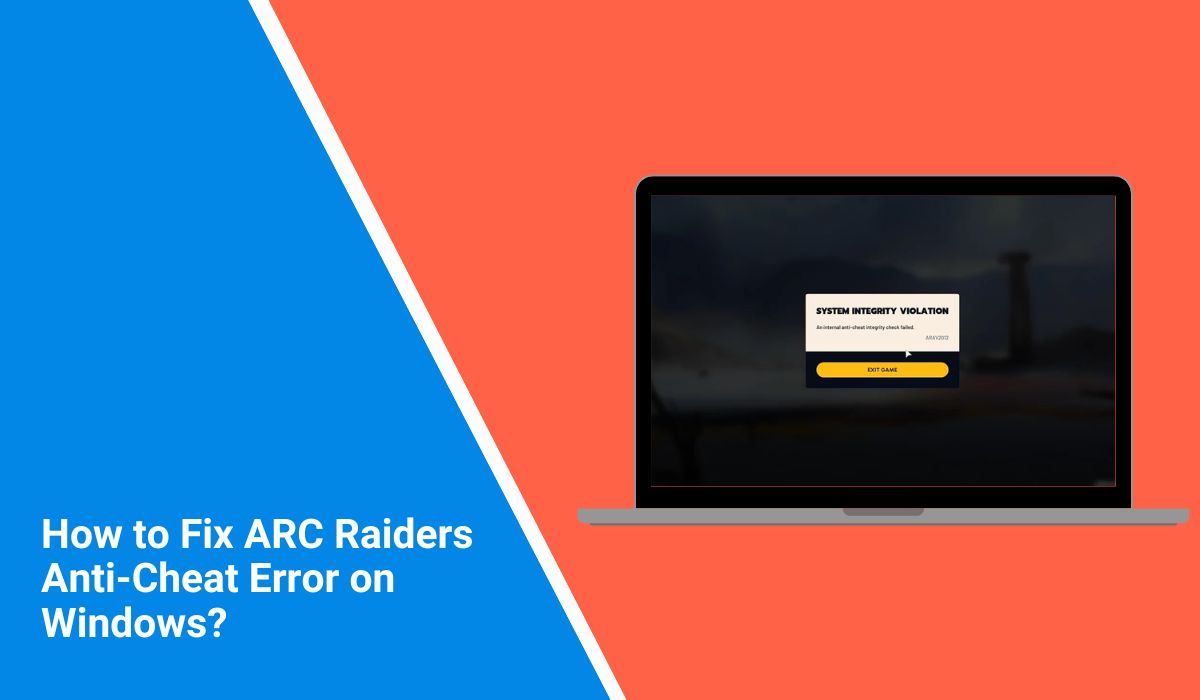
When ARC Raiders fails to launch because of an anti-cheat error, it gets frustrating fast. You click Play, expect the game to open, and instead everything stops. This error matters because it blocks the game before you even reach the menu. Sometimes it shows up after an update, sometimes after a restart.
In this guide, I’ll explain what the anti-cheat error means, why it happens, how to fix it safely, and how to keep it from coming back.
What Is the ARC Raiders Anti-Cheat Error?
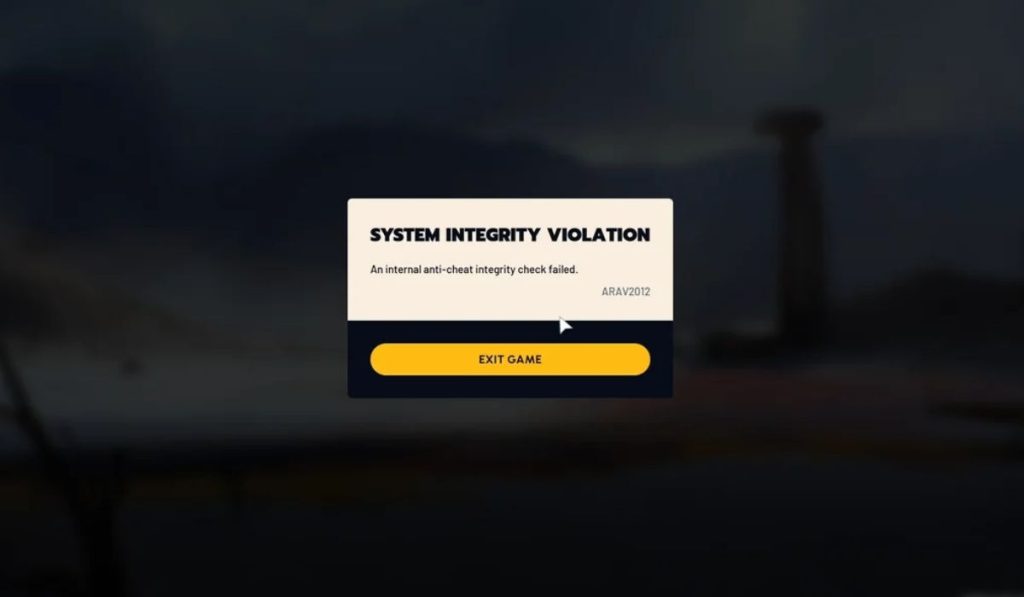 The ARC Raiders anti-cheat error appears when the game cannot start its security checks. ARC Raiders uses Easy Anti-Cheat to protect gameplay and system integrity. When this service fails to load, gets blocked, or lacks permission, the game stops during launch. This error does not mean cheating. It points to a system, service, or security conflict that prevents verification from completing.
Most players see this error right after starting the game. It may appear during the splash screen or just after the launcher opens. The game usually closes before reaching the main menu, without loading any gameplay content.
Common Causes of ARC Raiders Anti-Cheat Error
This error happens for different reasons, but most of them come from how Windows handles security and background services. Small system changes can interrupt anti-cheat checks. Below are the most common causes.
- Easy Anti-Cheat service is not running
- Antivirus software blocks anti-cheat files
- Game does not have administrator permission
- Easy Anti-Cheat installation is damaged
- Background apps interfere with startup
- Windows system files are outdated
- Firewall blocks anti-cheat communication
How to Fix ARC Raiders Anti-Cheat Error?
In most cases, this error goes away after fixing permissions or security conflicts. However, the right fix depends on your system setup. Try the fixes below in order. Stop once the game launches normally.
Fix #1: Run ARC Raiders as Administrator
This error often appears when ARC Raiders cannot access system-level services. Easy Anti-Cheat needs permission to load drivers and background checks. Without admin rights, Windows may block those actions. Running the game as administrator gives it the access it needs to start correctly.
Once admin permissions are applied, the game usually launches without interruption. If permissions caused the error, you won’t see it again.
Here are the following steps which help you to run ARC Raiders as administrator:
- Close ARC Raiders and the launcher
- Open the ARC Raiders installation folder
- Right-click the game executable file
- Click Properties
- Open the Compatibility tab
- Check Run this program as administrator
- Click Apply and then OK
Fix #2: Restart Easy Anti-Cheat Service
Easy Anti-Cheat runs as a background service on Windows. If it stops, freezes, or fails to load, ARC Raiders cannot complete startup checks. This often happens after crashes or updates. Restarting the service refreshes it and clears temporary issues.
After restarting the service, the game can reconnect to Easy Anti-Cheat and continue loading normally.
Follow the steps below to easily restart the Easy Anti-Cheat service:
- Press Windows key + R
- Type services.msc and press Enter
- Find Easy Anti-Cheat in the list
- Right-click the service
- Click Restart
- Close the window
- Launch ARC Raiders again
Fix #3: Disable Antivirus or Windows Defender Temporarily
Antivirus programs sometimes flag anti-cheat drivers by mistake. When that happens, required files get blocked and ARC Raiders stops launching. This leads directly to the anti-cheat error. Disabling protection for a short test helps confirm if this is the cause.
If the game launches after disabling protection, add ARC Raiders and Easy Anti-Cheat to the exclusion list. Do not keep protection off permanently.
Try these simple steps to quickly disable antivirus protection for testing:
- Open Windows Security or your antivirus app
- Go to real-time protection settings
- Temporarily turn protection off
- Close all security windows
- Launch ARC Raiders
- Check if the error appears
- Turn protection back on after testing
Fix #4: Repair Easy Anti-Cheat Installation
Easy Anti-Cheat files can become corrupted after failed updates or system interruptions. When that happens, the service cannot load correctly. Repairing the installation replaces damaged files without touching the rest of the game.
This fix often works better than reinstalling ARC Raiders and saves time.
Fix #5: Verify ARC Raiders Game Files
Missing or damaged game files can also trigger anti-cheat errors. This usually happens after incomplete downloads or sudden shutdowns.
Steam and Epic Games Launcher both offer file verification tools. These tools scan your installation and restore missing files automatically. After verification, the game often launches without errors.
Fix #6: Close Conflicting Background Applications
Some background apps interfere with how ARC Raiders starts. Overlays, recorders, system monitors, and injectors can confuse security checks. Easy Anti-Cheat may block the launch if it detects interference.
Closing these apps before starting the game reduces conflicts and helps the anti-cheat system load cleanly.
Fix #7: Allow ARC Raiders Through Firewall
Firewalls can block outgoing connections silently. If ARC Raiders or Easy Anti-Cheat lacks firewall permission, communication with verification servers fails. This results in an anti-cheat error during launch.
Allowing the game through the firewall restores proper communication and lets startup checks finish.
Perform the following steps carefully to allow ARC Raiders through the firewall:
- Open Windows Security
- Click Firewall and network protection
- Select Allow an app through firewall
- Click Change settings
- Find ARC Raiders and its launcher
- Check both Private and Public boxes
- Add the executable manually if missing
- Save changes and restart the launcher
Prevention Tips to Avoid ARC Raiders Anti-Cheat Error in the Future
Preventing this error saves time and avoids repeated launch failures. A few simple habits help keep the game running smoothly.
- Keep Windows updated
- Add ARC Raiders to antivirus exclusions
- Avoid force-closing Easy Anti-Cheat
- Launch the game without injectors or overlays
- Restart your PC after major updates
- Keep the game launcher updated
- Avoid aggressive system-cleaning tools
Conclusion
In short, the ARC Raiders anti-cheat error is a startup issue linked to system permissions, security software, or blocked services. It appears before gameplay begins and stops the game from loading. Most causes involve Easy Anti-Cheat, antivirus programs, or Windows restrictions.
Try the fixes calmly and give each one time to work. If the error continues, contacting Embark Studios support is the safest next step. If this guide helped you, share it with other players and leave a comment about which fix worked for you.
