


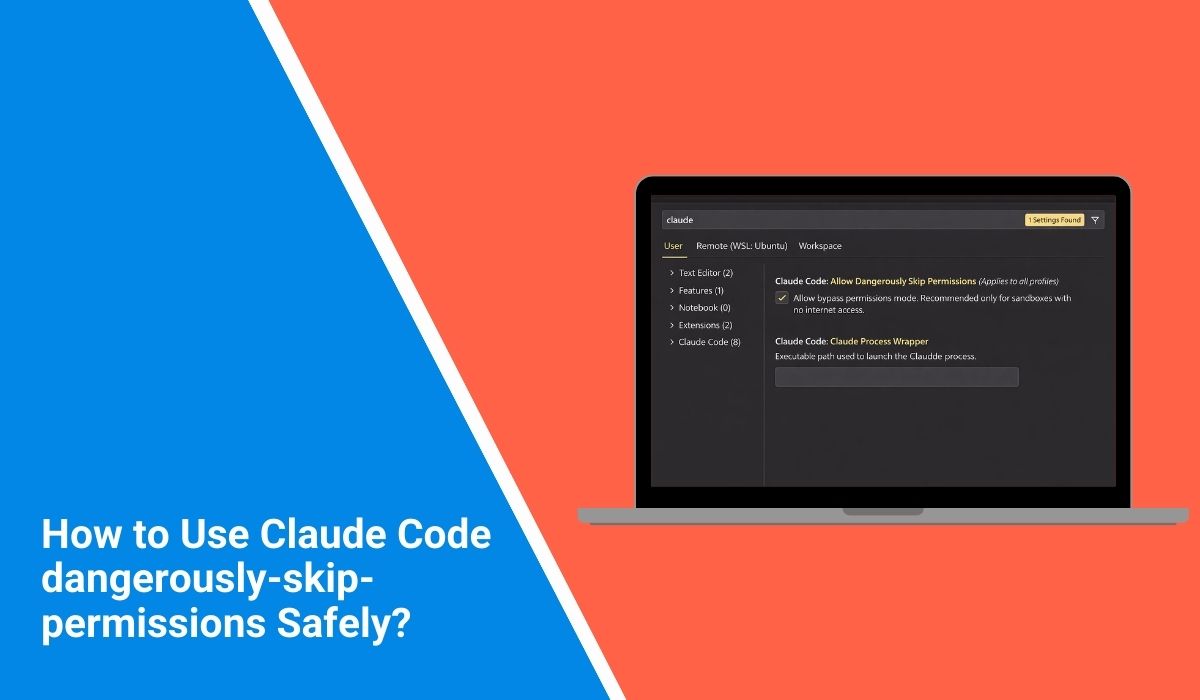
If you are using Claude Code in your terminal and you see a flag called dangerously-skip-permissions, you may pause for a second. The word “dangerously” is not there by accident. Claude Code, developed by Anthropic, includes permission checks to protect your system. This guide explains what this flag does, how the permission system works, what risks it carries, and when it should or should not be used.
What Is dangerously-skip-permissions in Claude Code?
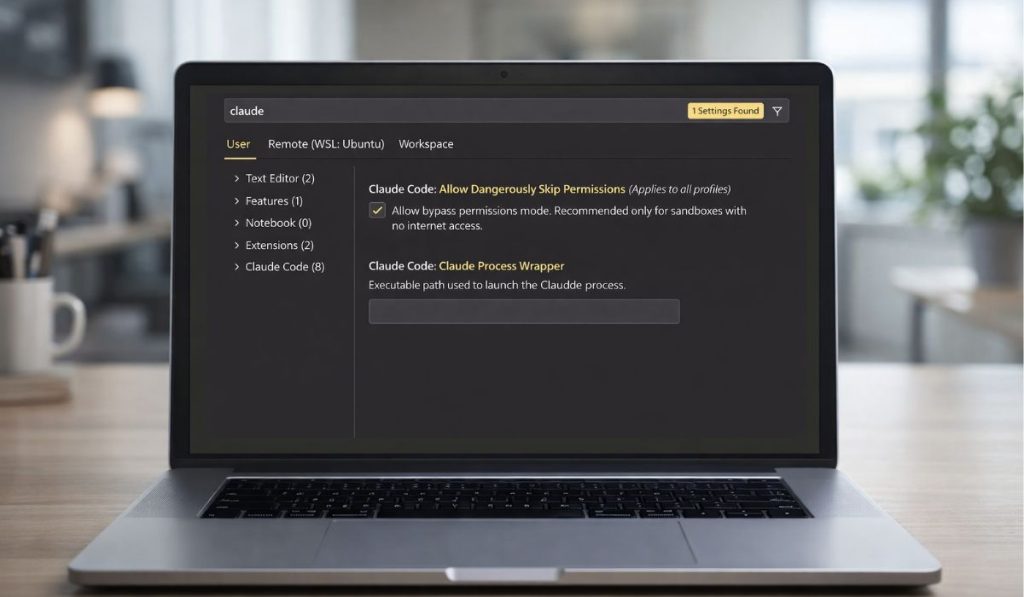 The dangerously-skip-permissions flag is a command-line option used with Claude Code CLI that bypasses built-in permission checks. Normally, Claude Code enforces access control rules before interacting with your local file system, executing scripts, or reading project files. These safeguards exist to prevent unauthorized access and unintended code execution.
When you enable this flag, you instruct the CLI to skip those verification steps. That means the execution sandbox and approval prompts may not activate as expected. The system proceeds without validating certain permission boundaries that are otherwise enforced by default.
Developers usually encounter this flag when running Claude Code in a local terminal, inside a Node.js environment, or as part of automation scripts. It appears as a CLI argument rather than a graphical setting.
How the Claude Code Permission System Works?
Claude Code uses a security model that includes authentication, authorization, and environment-based restrictions. Your API key connects the CLI to Anthropic services, but local execution still follows access control rules. The permission system helps manage file system access, command execution, and project-level boundaries.
In many setups, this works like a lightweight sandbox that limits what the tool can read or modify. These checks exist to reduce risk, especially when working on shared systems or production codebases.
Why Is It Called “Dangerously”?
The term “dangerously” signals that skipping permissions removes safety layers. When permission checks are disabled, Claude Code may access files or execute actions without additional confirmation. On a local machine, this could lead to unintended file changes.
In shared environments, it may increase exposure to configuration mistakes. Security models rely on layered protection, and removing one layer changes the risk profile of the system.
The warning label exists to remind developers that this flag is not meant for casual use. It suggests careful evaluation before enabling it.
Security Risks of Using dangerously-skip-permissions
Before enabling this flag, consider the following risks:
- Unauthorized file system access
- Accidental overwriting of important project files
- Execution of unsafe or unreviewed scripts
- Bypassing approval workflows
- Exposure of sensitive environment variables
- Running commands outside intended sandbox limits
- Increased attack surface in shared systems
Each of these risks connects to access control and system integrity. Removing permission checks removes a protective layer.
When Might Developers Use It?
There are limited scenarios where a developer may choose to use dangerously-skip-permissions. For example, controlled testing on an isolated local machine. Another case may involve debugging automation scripts inside a secure Docker container. In CI environments, some teams may disable prompts to allow non-interactive execution. Even then, these decisions should occur in controlled conditions, not in live production systems.
Safer Alternatives to Skipping Permissions
Instead of disabling permission checks entirely, consider safer options.
- Configure scoped permissions in your project settings
- Use environment variables carefully and restrict exposure
- Apply role-based access control for team workflows
- Run Claude Code inside an isolated Docker container
- Review CLI flags before executing commands
- Audit logs regularly to track actions
Best Practices for Secure Claude Code Usage
Security starts with clear separation between development and production environments. Use different API keys for testing and live systems. Store environment variables securely and avoid committing them to version control. Review CLI arguments before running scripts. When working in teams, document who has access to what. These small habits reduce risk over time.
If you are unsure about a specific flag or configuration, consult the official Anthropic documentation. Avoid using risky flags in production unless you fully understand their impact.
Conclusion
The dangerously-skip-permissions flag in Claude Code bypasses built-in access control checks. While it may simplify certain development tasks, it removes safety mechanisms designed to protect your system. In most cases, the default permission model is safer and more reliable. Use this flag only in controlled environments, and review your security practices regularly.
If this guide helped you understand how Claude Code permissions work, share it with your team or leave a comment about your experience.
