


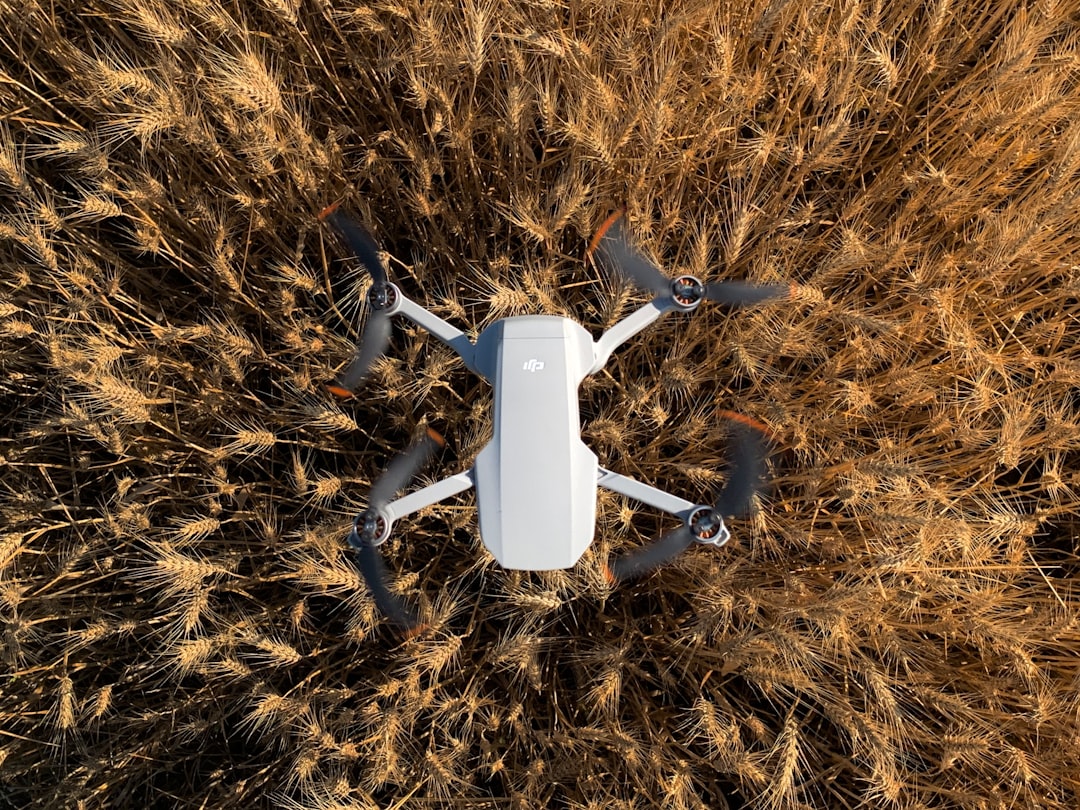
Drones are not just cool flying gadgets anymore. They are smart tools for mapping land, inspecting buildings, and surveying large areas in record time. But here’s the secret: the real magic happens before the drone even takes off. That magic is called mission planning software. With the right tool, you can create flight paths, capture clean data, and turn images into accurate 3D maps.
TLDR: Drone mission planning software helps you automate flights and create detailed 3D maps and surveys with ease. Some tools focus on user-friendly mapping, while others specialize in heavy-duty surveying and data analysis. The best choice depends on your industry, drone type, and workflow needs. Below, we break down four powerful options and compare them side by side.
Let’s explore four drone mission planning software tools that combine 3D mapping and survey integration. We’ll keep it simple. And fun.
1. DJI Terra
If you fly a DJI drone, this is often the first tool people recommend. DJI Terra is designed to work smoothly with DJI hardware. That means fewer setup headaches.
What it does well:
- Automated mission planning
- Real-time 2D map generation
- Detailed 3D reconstruction
- Survey-grade accuracy with RTK support
The interface is clean. You draw a box on a map. The software creates a flight path. Your drone follows that path like a pro.
After the flight, Terra processes the images into:
- Orthomosaic maps
- 3D models
- Point clouds
- Digital surface models
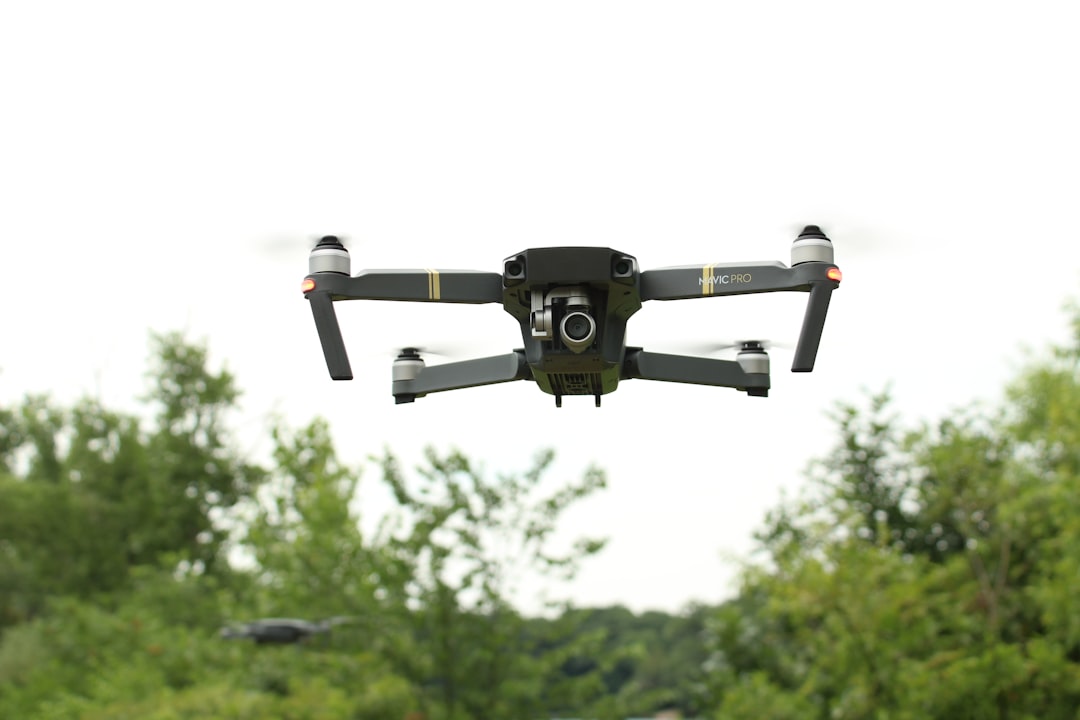
This is perfect for construction sites, mining operations, and land development projects.
Why people love it:
It’s tightly integrated with DJI drones. No compatibility puzzles. It just works.
Potential downside:
It’s best for DJI users. If you use other drone brands, you may feel limited.
2. Pix4Dmapper
Pix4Dmapper is a big name in drone mapping. It’s powerful. And very detailed.
This software focuses heavily on photogrammetry. That means turning overlapping images into accurate 3D models and measurements.
Key features:
- Advanced 3D mapping engine
- Accurate point cloud generation
- Customizable processing options
- Support for multiple drone brands
Pix4D gives you control. Lots of it. You can tweak processing settings. Adjust outputs. Fine-tune surveys.
For professional surveyors, that level of control is gold.
It’s widely used in:
- Agriculture
- Civil engineering
- Environmental monitoring
- Infrastructure inspection
Why people love it:
It works with many drone models and produces highly accurate outputs.
Potential downside:
The learning curve can be steep. Beginners may feel overwhelmed at first.
3. DroneDeploy
If you want something easy to use, DroneDeploy is a strong contender. It’s cloud-based, smooth, and beginner-friendly.
You can plan flights from your tablet or browser. Draw your area. Set altitude. Tap go.
Then the software handles:
- Automatic image stitching
- 2D map creation
- 3D model building
- Progress tracking over time
One standout feature is collaboration. Teams can log in and review maps together. Add annotations. Share updates.
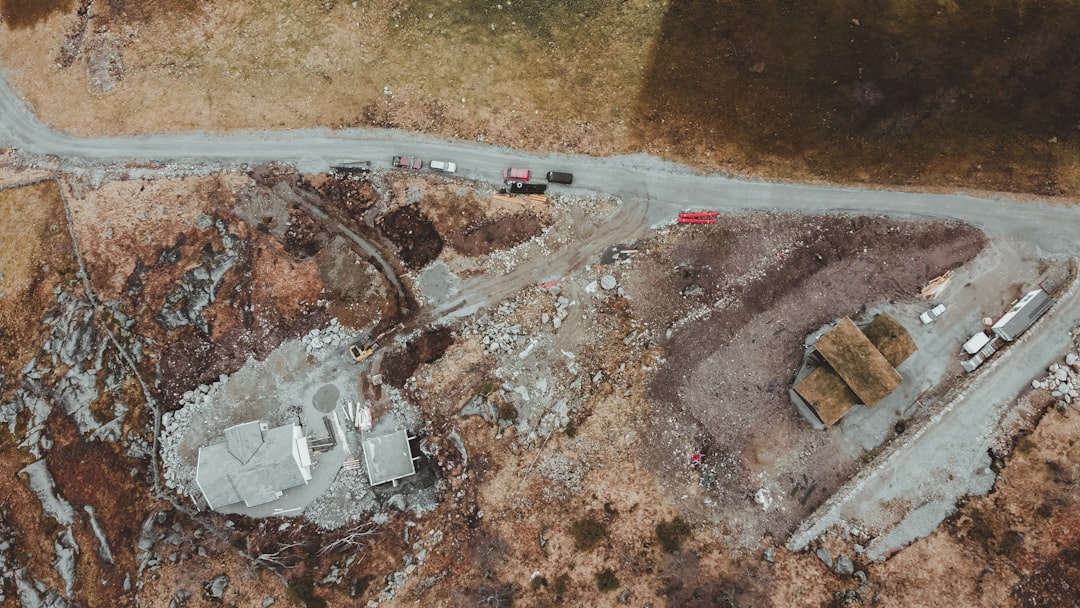
This makes it excellent for construction managers and project teams.
Extra bonus:
It integrates with platforms like Procore and Autodesk. That helps connect drone data to real project workflows.
Why people love it:
Simple interface. Cloud access. Easy collaboration.
Potential downside:
Advanced users may want more control over raw data processing.
4. UgCS (Universal Ground Control Software)
UgCS is like the mission planning nerd of the group. And that’s a compliment.
This tool is built for complex missions and professional-grade survey work.
It supports:
- Multi-drone fleets
- LiDAR missions
- Corridor mapping
- Terrain-following flights
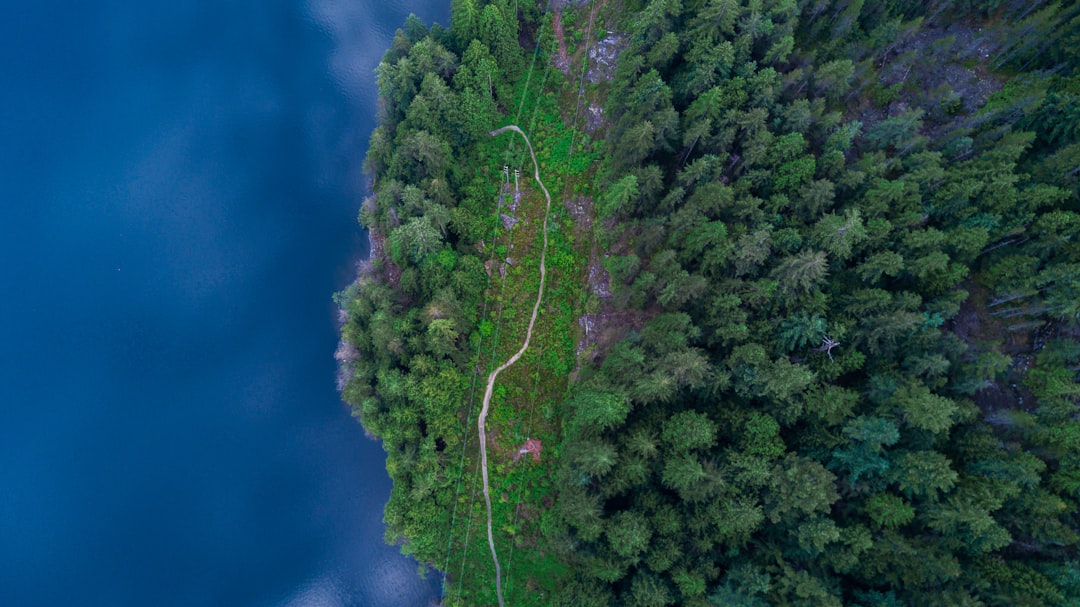
UgCS shines when mapping power lines, railways, or pipelines. These are long, narrow areas that need precise flight paths.
The 3D mission planning view lets you design routes in a fully interactive environment. You can see terrain height. Adjust angles. Avoid obstacles.
Why people love it:
Extreme control. Great for LiDAR and advanced surveying.
Potential downside:
Not the simplest interface for casual users.
Quick Comparison Chart
| Feature | DJI Terra | Pix4Dmapper | DroneDeploy | UgCS |
|---|---|---|---|---|
| Best For | DJI users | Professional surveyors | Construction teams | Complex missions |
| 3D Mapping | Yes | Advanced | Yes | Yes |
| Cloud Processing | Limited | Optional | Yes | No (primarily desktop) |
| Multi-Drone Support | Limited | Yes | Yes | Strong |
| LiDAR Support | Basic | Yes | Limited | Strong |
| Ease of Use | Easy | Moderate | Very Easy | Advanced |
How to Choose the Right Tool
Picking the best software depends on a few simple questions.
1. What drone do you use?
If it’s DJI, DJI Terra might be the smoothest path.
2. How complex are your projects?
Basic site mapping? DroneDeploy works great.
Railway corridor scanning? UgCS might be better.
3. Do you need survey-grade accuracy?
If yes, look for RTK, PPK, and strong photogrammetry tools. Pix4D shines here.
4. Who will use the data?
If your whole team needs access, cloud platforms make sharing easier.
Why 3D Mapping and Survey Integration Matters
Let’s simplify something important.
A pretty 3D model is nice. But a measurable, accurate 3D model is powerful.
With survey integration, you can:
- Measure distances
- Calculate volumes
- Track elevation changes
- Monitor progress over time
This helps industries save:
- Time
- Labor costs
- Fuel
- Human risk
Instead of sending crews into rough terrain, you send a drone. Instead of waiting weeks, you get maps in hours.
Final Thoughts
Drone mission planning software is the brain behind the flight. It tells the drone where to go. How high to fly. How many photos to take.
The better the planning, the better the data.
DJI Terra is great for DJI ecosystems.
Pix4Dmapper offers deep control and serious survey power.
DroneDeploy keeps things easy and collaborative.
UgCS brings advanced planning for complex missions.
No matter which tool you choose, remember this: the goal is not just flying a drone. The goal is turning aerial data into smart decisions.
And with the right software, your drone becomes more than a camera in the sky.
It becomes a precision mapping machine.
