


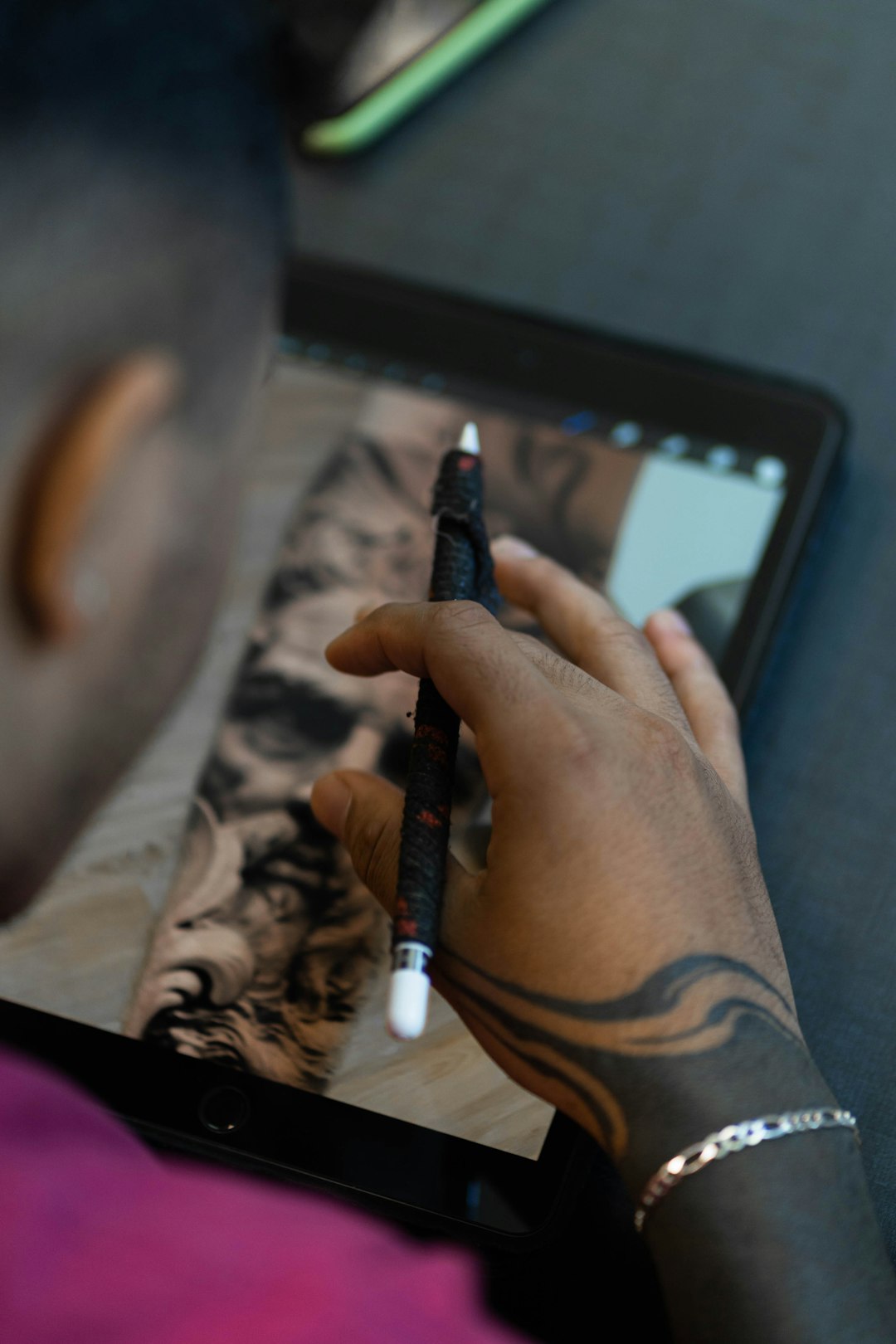
Designing a tattoo is a deeply personal process that blends creativity, symbolism, and artistry into a permanent piece of body art. Whether someone is a professional tattoo artist or an individual envisioning their first piece, the right tools can turn vague ideas into refined, meaningful designs. Today’s digital and traditional resources make it easier than ever to experiment with styles, adjust details, and visualize concepts before the ink ever touches skin.
TLDR: Creating a unique and personalized tattoo concept is easier with the right design tools. From digital drawing apps and AI-powered generators to stylus pens and reference libraries, each tool offers distinct benefits for refining ideas. Combining traditional sketching with modern technology helps improve precision, creativity, and confidence. Choosing the right combination depends on artistic skill level, goals, and desired tattoo style.
Below are seven powerful tattoo design tools that help transform imagination into stunning, customized artwork.
1. Digital Drawing Tablets
Digital drawing tablets have revolutionized how tattoo concepts are created. These devices allow artists to draw directly onto a screen or connected device using a pressure-sensitive stylus. The result is natural-looking linework combined with the flexibility of digital editing.
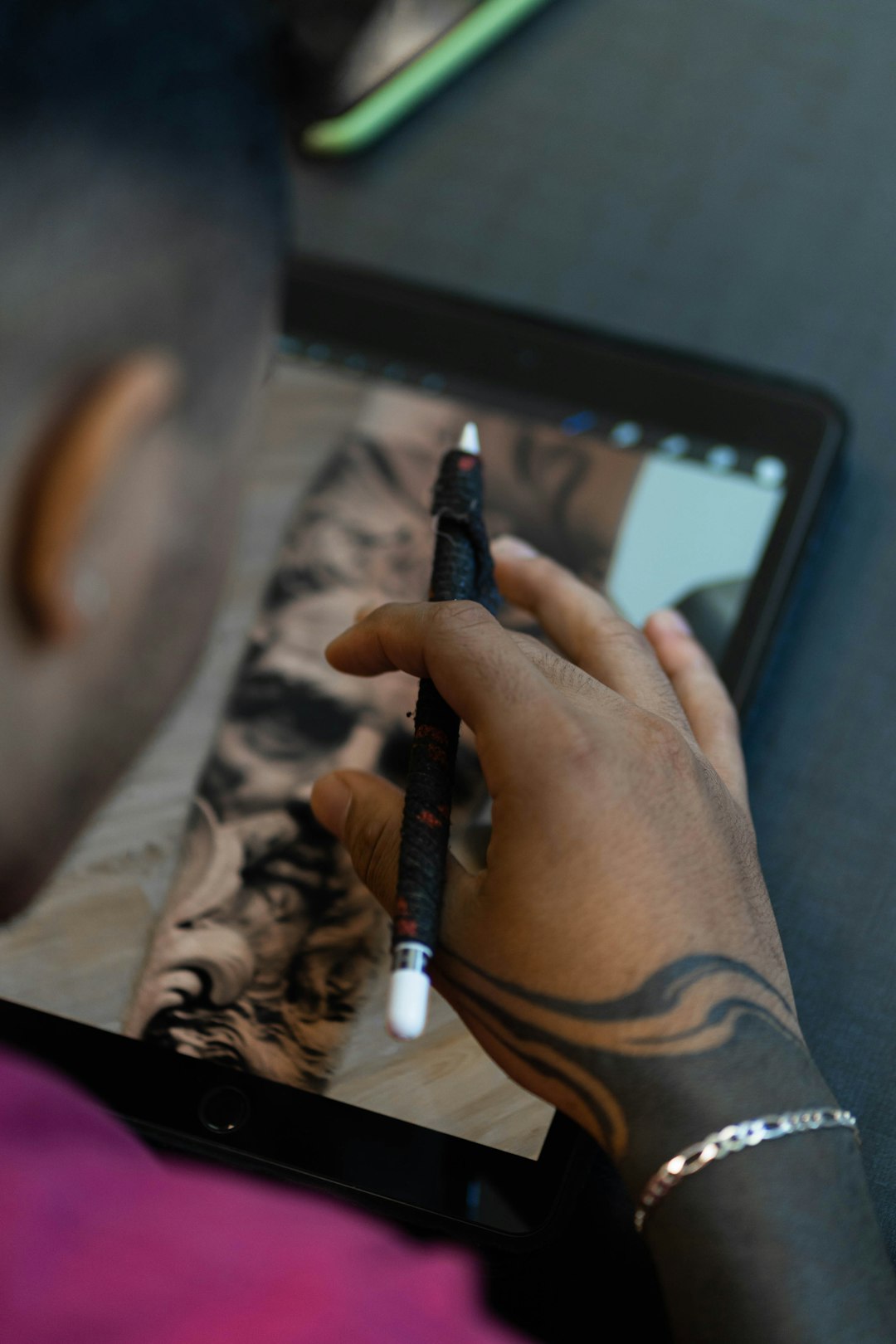
Why they stand out:
- Precision control for detailed linework and shading
- Layer functionality to refine different elements separately
- Undo and revision capabilities without starting over
- Easy file sharing with clients or tattoo artists
Digital tablets are especially useful for creating complex designs such as sleeve concepts, geometric patterns, or hyper-detailed portraits. Artists can experiment freely without worrying about making irreversible mistakes.
2. Graphic Design Software
Professional graphic design programs provide advanced tools for illustration, vector creation, and typography. These platforms allow for highly detailed and scalable designs, ensuring that artwork maintains its quality regardless of size.
Vector-based systems are particularly valuable when designing:
- Minimalist line tattoos
- Script and lettering designs
- Mandala and geometric patterns
- Logo-inspired body art
The ability to resize designs without losing sharpness ensures that the final tattoo translates perfectly from screen to skin. Additionally, color selection tools help visualize how pigments may interact with skin tone.
3. AI-Powered Tattoo Generators
Artificial intelligence has become a creative partner in tattoo design. AI-powered generators can transform text descriptions into visual ideas within seconds. By entering keywords like “minimalist wolf,” “watercolor phoenix,” or “fine line floral,” users can generate concept art for inspiration.
Benefits of AI tools include:
- Rapid concept exploration
- Style experimentation (traditional, realism, tribal, abstract)
- Creative inspiration when experiencing artist’s block
- Customizable prompts for more personalized results
While AI designs often require refinement by a skilled artist, they serve as a powerful brainstorming assistant. Clients can use them to communicate ideas more clearly before committing to a final draft.
4. Tattoo Stencil Apps
Tattoo stencil apps specialize in converting images into stencil-ready outlines. These tools enhance contrast, remove unnecessary shading, and simplify artwork into clean, traceable lines.
Why stencil apps are essential:
- They streamline the transition from concept to application.
- They help visualize how the tattoo will look as linework.
- They ensure clarity and accuracy for intricate details.
For artists, this reduces preparation time. For clients, it provides reassurance that the design will maintain its integrity when permanently applied.
5. Body Visualization Apps
One of the biggest concerns when designing a tattoo is placement. Body visualization apps use augmented reality or photo uploads to show how a design will appear on specific body parts.
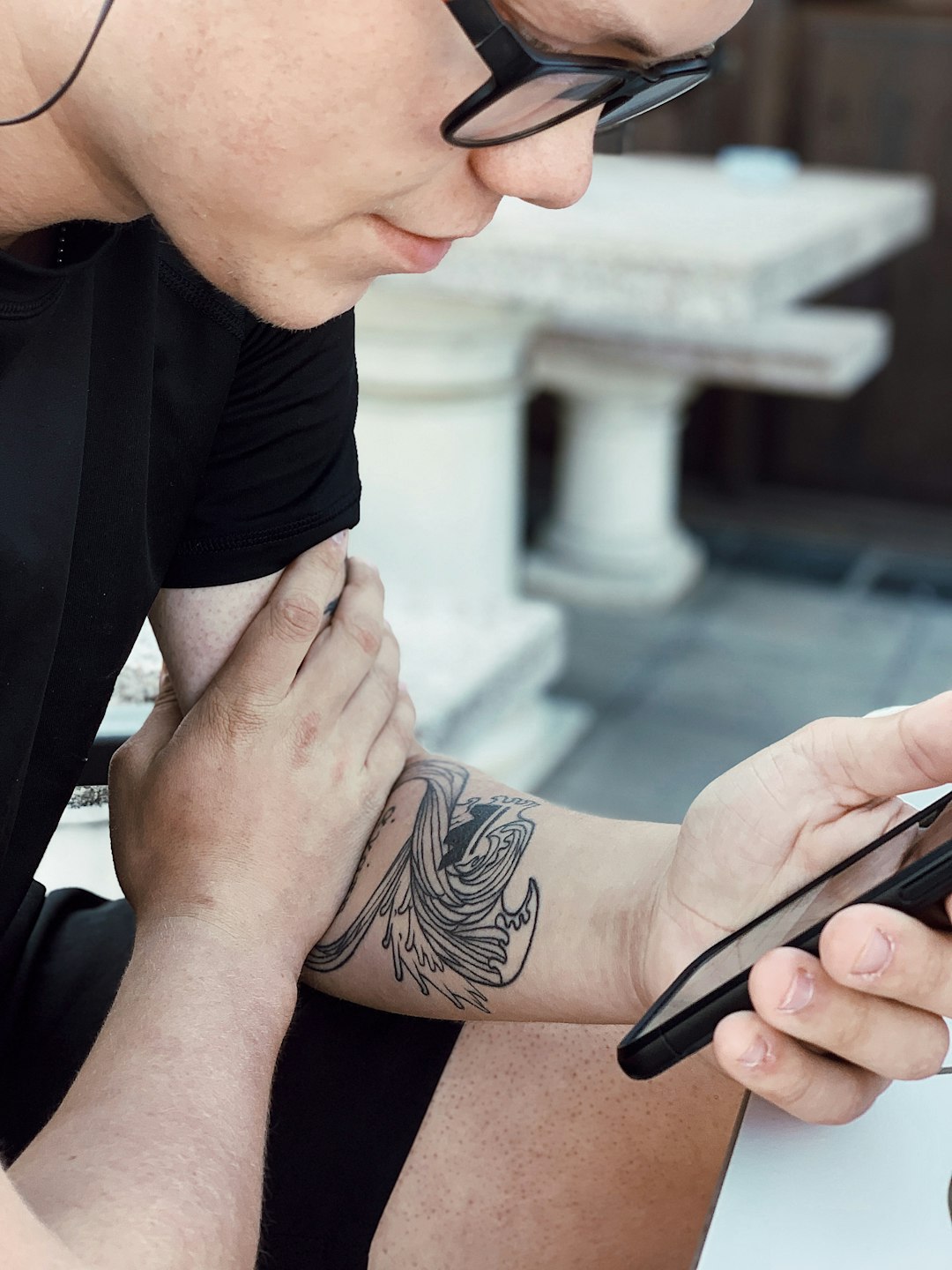
These tools allow users to:
- Test size proportions on arms, backs, legs, or ribs
- Adjust rotation and positioning
- Compare multiple placement options
- Preview how the tattoo interacts with body contours
This functionality minimizes regret and ensures the design complements natural anatomy. Large-scale pieces like sleeves or back tattoos particularly benefit from visualization technology.
6. Traditional Sketchbooks and Pencil Kits
Despite digital innovations, traditional sketching remains a foundational tool for tattoo design. Sketchbooks allow artists to capture spontaneous ideas quickly and organically.
Advantages of going analog:
- Encourages freehand creativity
- Improves fundamental drawing skills
- No technical distractions
- Portable and accessible anywhere
Some artists prefer beginning with pencil and paper before refining their concept digitally. This hybrid approach combines raw artistic expression with technological precision.
7. Online Reference Libraries and Mood Boards
Inspiration is essential for personalization. Online reference libraries and digital mood boards allow users to curate imagery, color palettes, typography samples, and stylistic influences.
Common uses include:
- Collecting cultural or symbolic imagery
- Exploring historical tattoo styles
- Identifying preferred shading techniques
- Defining thematic consistency
Mood boards help clarify aesthetic direction before designing begins. By visually organizing influences, users can develop cohesive and original tattoo concepts rather than copying existing artwork.
Comparison Chart of Tattoo Design Tools
| Tool | Best For | Skill Level | Main Advantage | Limitations |
|---|---|---|---|---|
| Digital Drawing Tablets | Detailed custom artwork | Intermediate to Advanced | Precision and editing flexibility | Cost of hardware |
| Graphic Design Software | Scalable vector designs | Intermediate to Advanced | Professional finish | Learning curve |
| AI Tattoo Generators | Quick inspiration | Beginner to Advanced | Fast concept creation | May require refinement |
| Tattoo Stencil Apps | Preparing outlines | Beginner to Intermediate | Simplifies linework | Limited creative flexibility |
| Body Visualization Apps | Placement previews | Beginner to Advanced | Realistic positioning | May not perfectly match skin texture |
| Sketchbooks and Pencil Kits | Initial brainstorming | All levels | Creative freedom | No digital editing |
| Online Reference Libraries | Style inspiration | All levels | Broad creative exposure | Risk of copying without adaptation |
How to Combine These Tools for Maximum Creativity
The most effective tattoo designs often emerge from combining multiple tools rather than relying on just one. A typical workflow might begin with a mood board to define direction, followed by rough sketches in a notebook. The concept can then move to a digital drawing tablet for refinement and color experimentation. Afterward, a body visualization app ensures correct placement, while a stencil tool prepares the final outline.
This layered approach offers several advantages:
- Improved design clarity
- Higher personalization
- Better communication between client and artist
- Reduced risk of dissatisfaction
Ultimately, the goal is not just aesthetic appeal but emotional resonance. A tattoo should reflect identity, memory, or aspiration. The right tools empower users to achieve both artistic excellence and personal meaning.
FAQ
1. Are digital tools better than traditional sketching for tattoo design?
Neither approach is inherently better. Digital tools offer flexibility and precision, while traditional sketching fosters raw creativity. Many artists combine both for optimal results.
2. Can beginners use AI tattoo generators effectively?
Yes. AI tools are beginner-friendly and ideal for exploring ideas. However, final designs should be reviewed and refined by a skilled tattoo artist to ensure quality and safety.
3. How accurate are body visualization apps?
They provide helpful approximations of placement and size, but real skin texture and movement may impact the final appearance. In-person stencil placement remains essential.
4. What tool is best for lettering tattoos?
Vector-based graphic design software is especially effective for lettering because it preserves sharp edges and allows for easy resizing without distortion.
5. Do professional tattoo artists use these tools?
Many professional artists use a mix of digital tablets, stencil apps, and reference libraries. Even experienced professionals rely on technology to streamline workflow and enhance accuracy.
6. Is it safe to bring an AI-generated design to a tattoo artist?
Yes, as long as it is treated as inspiration rather than a final blueprint. Artists typically customize and adapt designs to suit body placement and technical considerations.
7. How can someone ensure their tattoo concept stays unique?
Combining multiple sources of inspiration, collaborating closely with an artist, and avoiding direct copies of existing work are the best ways to ensure originality.
With the right combination of tools, anyone can transform an abstract idea into a one-of-a-kind tattoo design that carries lasting personal meaning. Technology enhances creativity, but it is thoughtful intention and artistic collaboration that ultimately bring unforgettable ink to life.
