



Podcasting has become one of the most powerful ways for creators, businesses, and educators to communicate with global audiences. Behind every polished episode, however, lies careful editing. From trimming awkward pauses to balancing sound levels and adding music intros, podcast production depends heavily on reliable audio editing software. Platforms like Audacity have become essential tools, offering professional capabilities without overwhelming new users.
TLDR: Podcast editing platforms like Audacity provide powerful yet accessible tools for recording and refining audio tracks. They allow creators to cut mistakes, adjust levels, remove noise, and enhance overall sound quality. Both beginners and experienced podcasters can benefit from features such as multitrack editing and built-in effects. With the right workflow, these tools transform raw audio into polished, professional episodes.
Why Podcast Editing Matters
Recording a podcast rarely results in a flawless audio file on the first try. Conversations include interruptions, background noise, inconsistent audio levels, and occasional technical glitches. Without editing, these imperfections distract listeners and reduce perceived quality.
Editing platforms allow creators to:
- Remove mistakes and filler words
- Reduce background noise
- Balance audio levels between speakers
- Add music, transitions, and effects
- Export files in optimized formats for distribution
These enhancements make episodes sound cohesive, intentional, and enjoyable. In a competitive podcast landscape, production quality often determines whether listeners stay subscribed.
Overview of Audacity and Similar Platforms
Audacity is one of the most widely used audio editing programs in podcasting. It is open-source, free to use, and compatible with Windows, macOS, and Linux systems. Its accessibility and extensive feature set make it a favorite among both beginners and experienced editors.
Other podcast editing platforms share similar functionality, including multitrack editing, waveform visualization, audio effects, and exporting options. While some programs are browser-based and others are downloadable applications, they typically provide the same core set of tools necessary for podcast production.
Audacity stands out because it combines:
- Cost efficiency (free and open source)
- Extensive plugin support
- Customizable interface
- Strong community support and tutorials
Key Features for Editing Audio Tracks
1. Waveform Editing
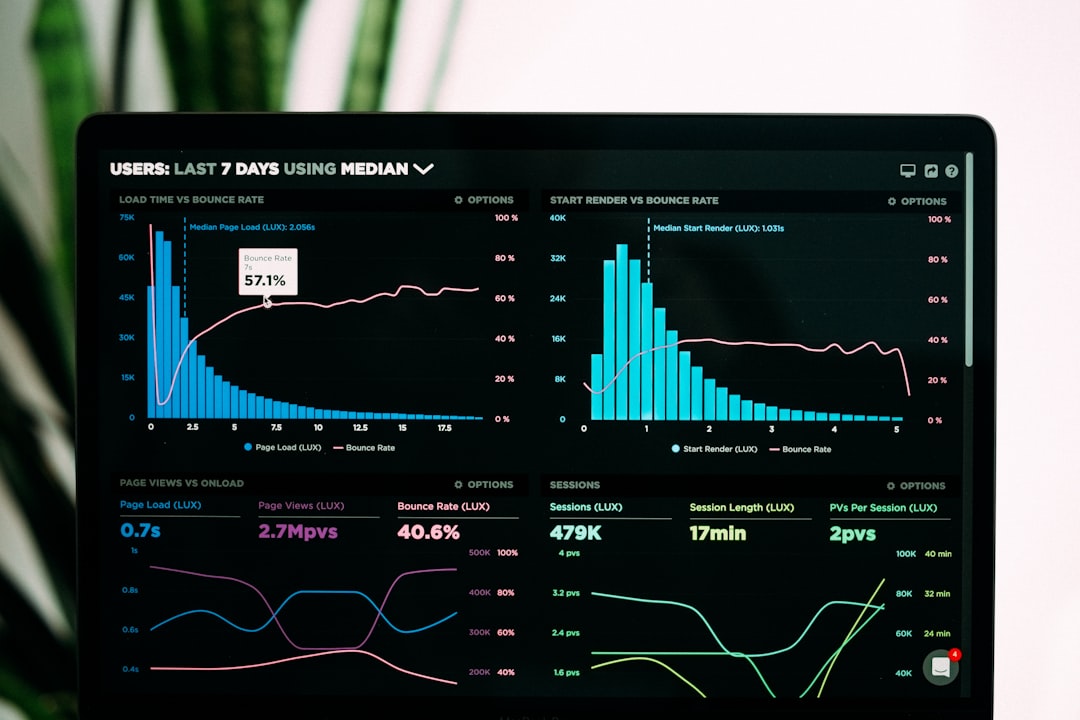
Waveform visualization is central to podcast editing. The waveform display shows audio amplitude over time, allowing editors to identify loud spikes, silence, and irregular patterns. With simple selection tools, users can cut, copy, paste, and delete sections of audio quickly.
This feature makes it easy to remove:
- Long pauses
- Background interruptions
- Repeated statements
- Unwanted noises
2. Noise Reduction
Background noise, such as air conditioning hum or microphone hiss, can significantly impact audio clarity. Audacity and similar tools include noise reduction filters that isolate unwanted sounds and remove them from the track.
The typical process involves:
- Capturing a noise profile from a silent portion
- Applying the reduction filter to the entire track
- Adjusting sensitivity and smoothing settings
When applied carefully, this feature improves clarity without distorting voices.
3. Equalization and Compression
EQ (equalization) and compression are vital for achieving professional-quality sound. Equalization adjusts frequency levels, enhancing vocal warmth and removing muddiness. Compression balances loud and soft segments, creating consistent volume throughout the episode.
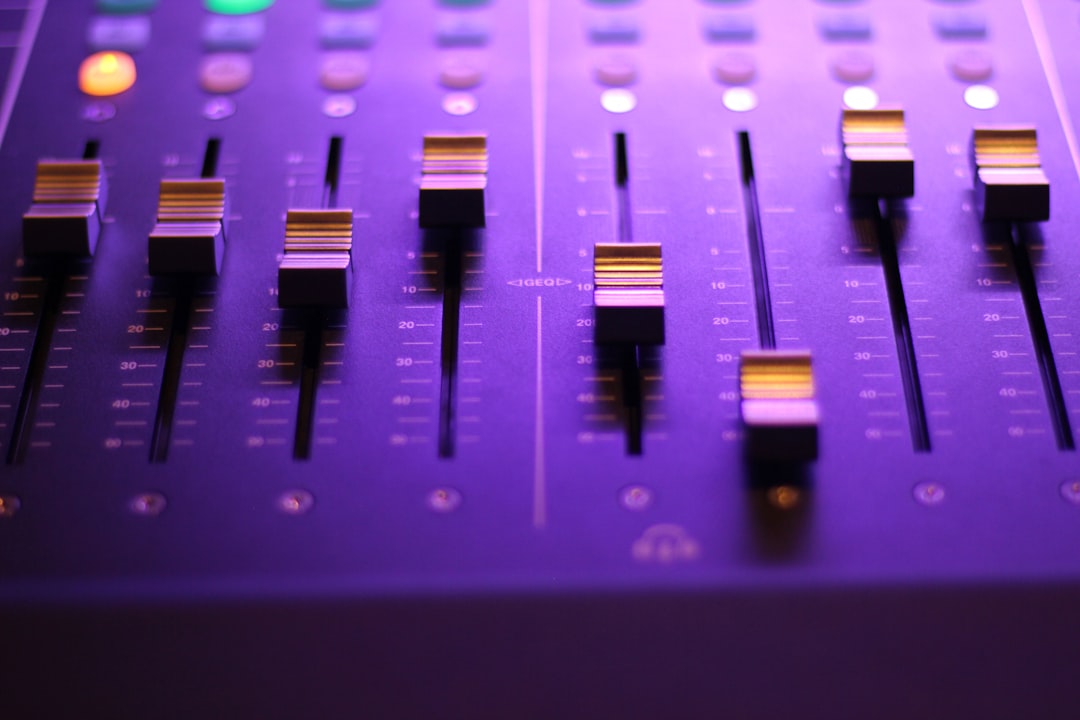
Used together, these tools ensure listeners do not need to constantly adjust their volume while listening.
4. Multitrack Editing
Multitrack editing allows editors to layer multiple recordings in the same project. For example, a podcaster may have:
- One track for the host
- One track for each guest
- A separate track for intro music
- Sound effects on additional tracks
By separating each audio source, adjustments can be applied individually without affecting other elements.
5. Exporting and File Formats
Once editing is complete, the final file must be exported in a suitable format. Most podcast platforms recommend MP3 or WAV files with specific bitrate settings. Audacity offers flexible export options, including metadata tagging for episode titles and descriptions.
Advantages of Using Audacity
There are several reasons podcasters choose Audacity for editing audio tracks:
- No subscription fees – Budget-friendly for independent creators
- Lightweight installation – Runs well on most computers
- Extensive effect library – Built-in and third-party plugins
- Non-destructive editing options – Original recordings remain intact
- Active user community – Easily accessible tutorials and forums
Its straightforward interface lowers the barrier to entry, making professional-grade editing more accessible than ever before.
Comparing Audacity with Other Podcast Editing Platforms
While Audacity is powerful, there are other platforms designed with specific workflows in mind. Some focus on:
- Cloud-based collaboration for remote teams
- AI-driven editing that removes filler words automatically
- Integrated publishing tools for direct distribution

However, these features often come at a cost. Subscription-based tools may offer convenience and automation but may not provide the same depth of manual control as Audacity. For creators who prefer customizing every detail of their audio mix, traditional desktop editors remain highly relevant.
Best Practices for Editing Podcasts
Even with powerful tools, effective editing requires thoughtful workflow and attention to detail.
Plan Before Editing
Organizing your raw files and noting key timestamps simplifies the process. Label tracks clearly and keep music files separate.
Edit in Multiple Passes
Rather than attempting all corrections at once, editors often:
- First remove mistakes and structural issues
- Second adjust levels and clean noise
- Finally add music and polish with EQ and compression
Maintain Natural Flow
Over-editing can make conversations sound artificial. It is important to preserve authentic pacing while removing distractions.
Use Headphones for Precision
High-quality headphones reveal subtle background noise and inconsistencies that speakers may not capture.
Common Challenges and How Platforms Solve Them
Inconsistent Audio Levels: Compression and normalization features correct uneven volume between speakers.
Background Disturbance: Noise reduction and spectral editing help eliminate problematic frequencies.
Echo or Reverb: Equalization and environment adjustments reduce reflective sound.
Long Silence Gaps: Silence trimming tools shorten pauses while maintaining natural conversation flow.
These built-in solutions help broadcasters achieve broadcast-quality sound from home studios.
The Role of Plugins and Extensions
Audacity supports third-party plugins, expanding its native functionality. Popular plugin categories include:
- Advanced mastering tools
- Specialized EQ presets
- De-esser effects for harsh “S” sounds
- Loudness normalization for streaming standards
This extensibility ensures that as podcasters grow in skill, their editing platform can evolve alongside them.
Is Audacity Suitable for Beginners?
Despite its advanced capabilities, Audacity remains beginner-friendly. The interface includes clear menus for effects, analysis tools, and track manipulation. Countless tutorials guide users through common tasks like cutting audio, applying fade-ins, and reducing noise.
For creators just starting their podcast journey, this balance between simplicity and depth makes it an excellent starting point.
Audio Quality as a Competitive Advantage
Listeners may tolerate moderate video imperfections, but audio quality often determines podcast credibility. Clear voices, balanced sound, and smooth transitions reflect professionalism. Whether a podcast focuses on storytelling, interviews, education, or entertainment, editing platforms like Audacity ensure the final product aligns with audience expectations.
As podcast consumption continues to grow worldwide, creators who invest time in mastering editing tools position themselves for long-term success.
Frequently Asked Questions (FAQ)
1. Is Audacity completely free to use?
Yes, Audacity is open-source software and free to download and use. There are no mandatory subscription fees.
2. Can Audacity record audio directly?
Yes, it allows users to record directly through a microphone or audio interface, making it both a recording and editing tool.
3. What file format is best for exporting podcasts?
MP3 is commonly used because it balances sound quality with smaller file size. WAV files offer higher quality but are larger.
4. Do beginners need plugins to start?
No, beginners can rely on built-in tools. Plugins are optional and typically used for advanced audio enhancement.
5. How long does it take to edit a podcast episode?
Editing time varies, but many editors spend between one to three hours refining a 30- to 60-minute episode, depending on complexity.
6. Are there alternatives to Audacity?
Yes, there are both desktop and cloud-based podcast editing platforms that offer similar functionality, some with AI-assisted features or collaborative tools.
7. Can Audacity handle multitrack interviews?
Yes, it supports multitrack editing, allowing separate audio tracks for each participant and additional elements like music or sound effects.
With the right tools and a consistent workflow, podcast editing platforms like Audacity transform raw recordings into engaging, high-quality audio experiences that keep audiences coming back for more.
