



Streaming has transformed the way we watch television, and devices like the Xumo Stream Box are helping to make that experience simpler and more affordable. With traditional cable subscriptions on the decline, more viewers are turning to smart streaming devices to access live TV, on-demand content, and popular apps—all from one compact box. But what exactly is a Xumo Stream Box, and how does it work? If you’ve heard the name but aren’t quite sure what it offers, this guide will walk you through everything you need to know.
TLDR: The Xumo Stream Box is a streaming device that connects to your TV to provide access to live TV channels, on-demand content, and popular streaming apps. It operates over your internet connection and combines free content with subscription-based services. Designed to be easy to use, it features a simple interface, voice search (on select models), and a unified guide for browsing channels. It’s a budget-friendly alternative to cable that centralizes your entertainment in one place.
What Is a Xumo Stream Box?
The Xumo Stream Box is a compact media streaming device that connects to your television via HDMI and uses your internet connection to deliver digital entertainment. Developed through partnerships with internet and cable providers, it often comes bundled with broadband services but can also be available as a standalone streaming solution.
Unlike a traditional cable box that relies on coaxial cable signals, the Xumo Stream Box delivers content entirely over the internet. This makes it part of the growing category of “over-the-top” (OTT) streaming devices, similar in concept to Roku, Amazon Fire TV, or Apple TV.
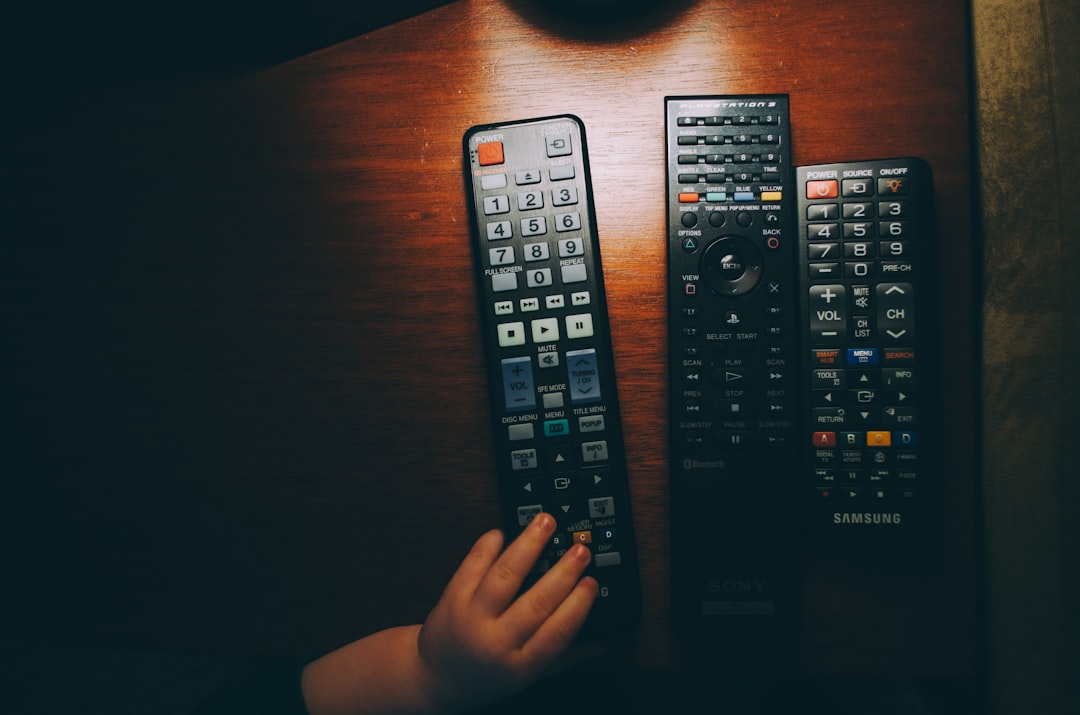
What sets the Xumo Stream Box apart is its integration of live TV channels with on-demand streaming apps in a single interface. It blends free ad-supported channels with paid subscription services, offering both flexibility and accessibility in one user-friendly system.
Key Features of the Xumo Stream Box
The Xumo Stream Box offers a range of features designed to create a seamless entertainment experience. Here are some of its most notable capabilities:
- Live TV Streaming: Access to hundreds of free, ad-supported live channels.
- Streaming App Integration: Support for apps like Netflix, Disney+, Prime Video, Hulu, and more.
- Unified Content Guide: Browse live and on-demand content in one organized menu.
- Voice Search: On supported remotes, search content quickly using voice commands.
- 4K Ultra HD Support: Available on compatible models and TVs.
- Cloud-Based Updates: Automatic software updates to improve performance and features.
These features make it suitable for households that want both free programming and the flexibility to add premium subscriptions.
How Does the Xumo Stream Box Work?
At its core, the Xumo Stream Box works by connecting your TV to the internet. Once connected, it streams video content directly from online servers instead of receiving broadcast or cable signals.
1. Setup and Connectivity
Setting up the device is straightforward:
- Plug the Xumo Stream Box into your TV’s HDMI port.
- Connect it to power.
- Select the correct HDMI input on your TV.
- Connect to your Wi-Fi network (or Ethernet, if supported).
- Sign in or create necessary streaming accounts.
Once connected to the internet, the device syncs with Xumo’s streaming platform and downloads the most recent software updates automatically.
2. Content Delivery
When you select a TV channel or movie, the Xumo Stream Box sends a request through your internet connection to a content server. The server then transmits the video data back to your device in real time. This process happens within seconds and is optimized for smooth playback.
Streaming quality depends largely on your internet speed. For example:
- SD streaming: Typically requires 3–5 Mbps
- HD streaming: Requires around 5–10 Mbps
- 4K streaming: Often requires 25 Mbps or higher
3. User Interface and Navigation
The Xumo interface is designed for simplicity. It usually includes:
- A home screen with recommended content
- A live TV guide grid similar to cable
- An app library section
- A search feature for finding shows or movies
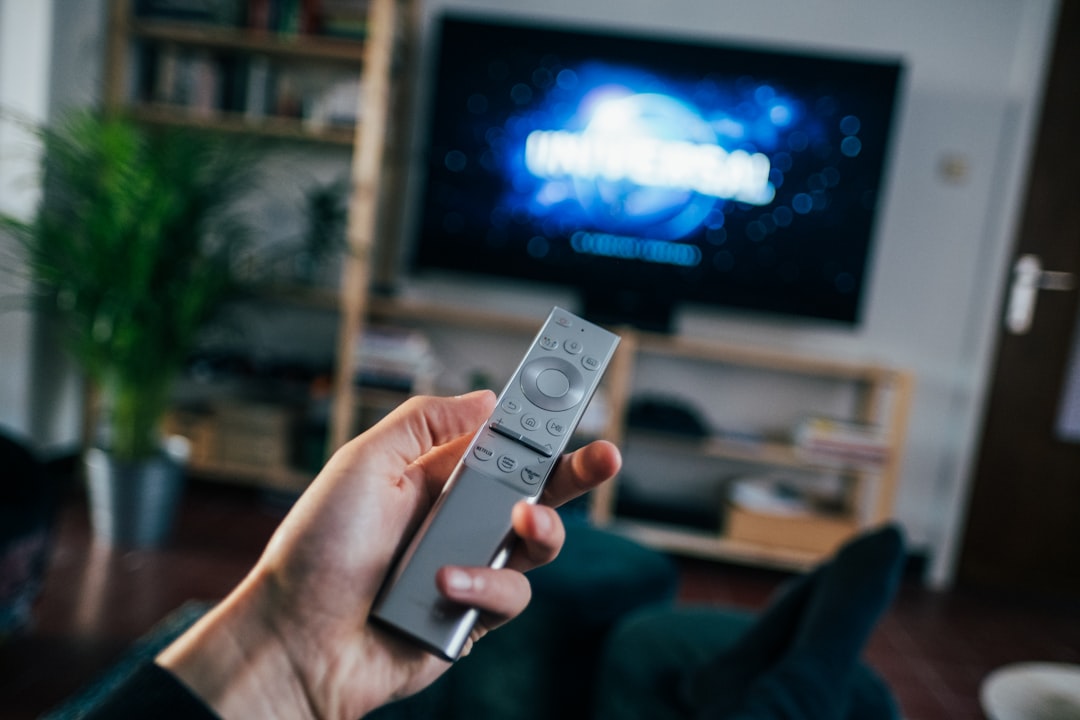
This unified interface allows users to switch between live television and streaming apps without changing inputs or devices.
Free vs. Paid Content
One of the biggest draws of the Xumo Stream Box is its blend of free and paid content.
Free Content
Xumo is well-known for its free ad-supported streaming television (FAST) channels. These include:
- News channels
- Sports highlight networks
- Classic TV shows
- Movie channels
- Lifestyle and reality programming
These channels operate similarly to traditional TV, with scheduled programming and commercial breaks.
Paid Subscriptions
In addition to free channels, the device supports paid subscriptions such as:
- Netflix
- Disney+
- Max
- Paramount+
- Peacock
You must subscribe separately to these services. The Xumo Stream Box acts as a platform to access them but does not typically bundle them at no extra cost.
How Is It Different from Cable?
Although the Xumo Stream Box may resemble a cable box physically, it operates very differently. Here’s a comparison:
| Feature | Xumo Stream Box | Traditional Cable Box |
|---|---|---|
| Content Delivery | Internet streaming | Coaxial cable signal |
| Contract Required | Usually no long-term contract | Often requires contracts |
| Free Channels | Yes, ad-supported | Limited without subscription |
| On-Demand Apps | Integrated streaming apps | Limited or separate devices needed |
| Portability | Can be moved to any TV with HDMI | Usually tied to installation location |
The biggest difference is flexibility. With a streaming box, you can often cancel or change services without penalties.
Who Is the Xumo Stream Box Best For?
The device appeals to a wide range of users:
- Cord-cutters: Individuals who want to eliminate traditional cable bills.
- Budget-conscious households: Those looking for substantial free content.
- Casual viewers: Users who prefer a simple interface without complex customization.
- Secondary TVs: A cost-effective option for bedrooms or guest rooms.
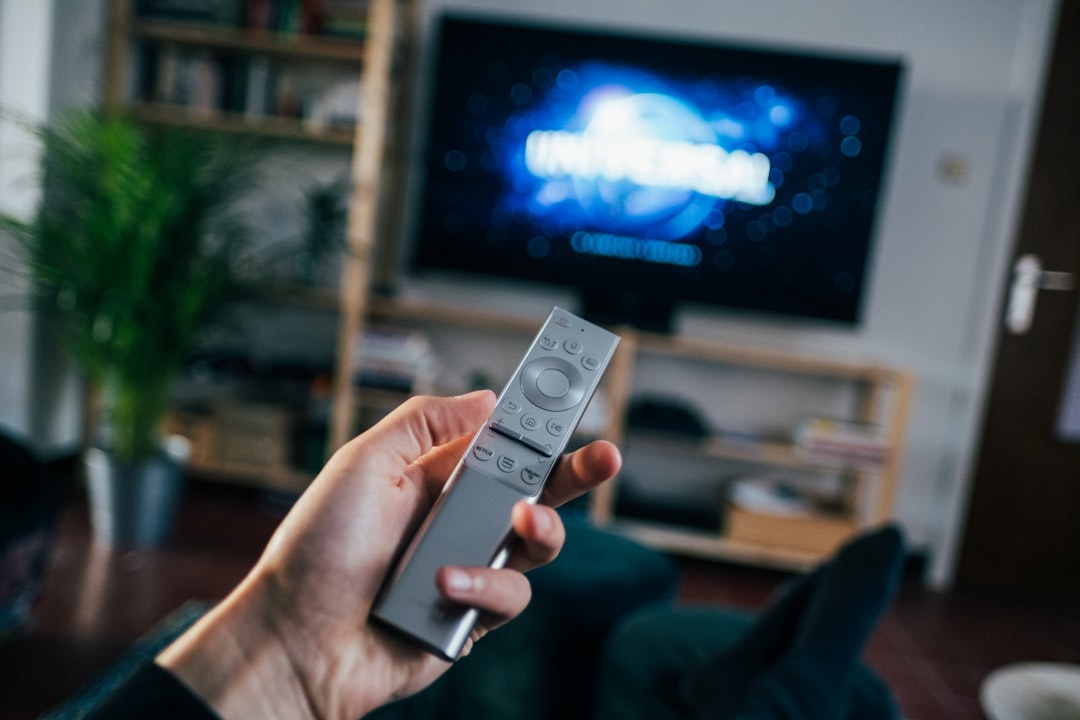
Because it combines live TV and apps in one platform, it eliminates the need to juggle multiple remotes or switch between devices.
Advantages and Limitations
Advantages
- Affordable entry point into streaming
- No mandatory long-term contracts
- Built-in live TV guide experience
- Simple setup process
- Frequent automatic updates
Limitations
- Dependent on reliable internet
- Free content includes advertisements
- Fewer app customization options compared to some competitors
- Premium services require separate subscriptions
Understanding these pros and cons can help determine whether it fits your entertainment needs.
What About Data Usage?
Because it streams over the internet, the Xumo Stream Box consumes data. Streaming in HD for one hour can use approximately 2–3 GB of data, while 4K streaming may consume 7–10 GB per hour. If your internet plan has data caps, this is an important factor to consider.
However, many internet providers now offer unlimited data plans, making streaming devices a practical everyday solution.
Is It Hard to Maintain?
Maintenance is minimal. The device updates automatically, and most troubleshooting steps involve:
- Restarting the box
- Checking Wi-Fi connections
- Verifying HDMI input
- Updating apps
Because it lacks many of the moving parts found in older hardware, it is generally reliable and long-lasting.
The Future of Streaming with Devices Like Xumo
Streaming devices are rapidly evolving. As more networks shift to digital delivery and ad-supported free channels expand, platforms like Xumo are positioned to play a major role in the future of television.
We’re seeing a growing trend toward aggregation—bringing together multiple content types into a unified interface. Rather than switching between cable, apps, and broadcast, viewers increasingly want everything in one place. The Xumo Stream Box aligns with this trend by blending:
- Linear live television
- On-demand streaming
- Free ad-supported programming
- Subscription services
As broadband speeds improve and streaming quality continues to advance, devices like this will likely become even more common in households worldwide.
Final Thoughts
The Xumo Stream Box is a modern streaming solution designed to simplify how people access entertainment. By connecting your TV to the internet, it unlocks a combination of free live channels and premium streaming apps in one easy-to-navigate interface. It provides a middle ground between traditional cable and fully app-based streaming ecosystems.
For anyone looking to reduce cable costs, expand viewing options, or centralize streaming services under one roof, the Xumo Stream Box offers a practical and accessible option. With its straightforward setup, unified content guide, and mix of free and paid programming, it represents the growing shift toward internet-powered television—and the increasingly flexible ways we watch.
