


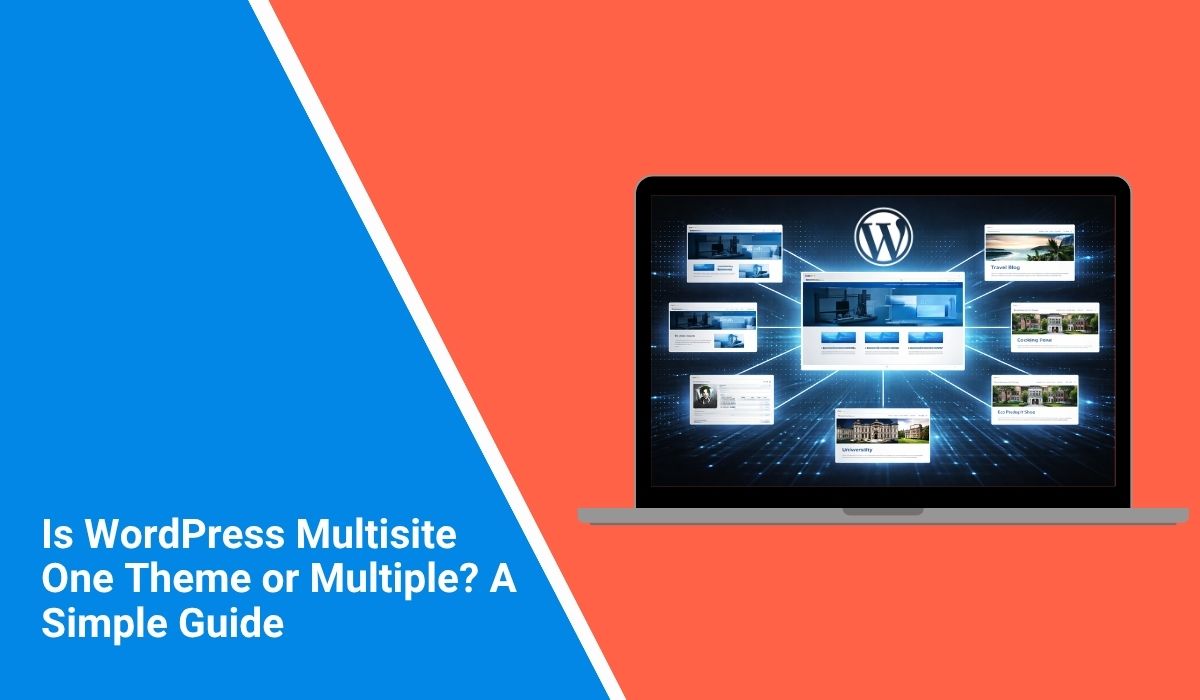
Quick Answer: WordPress Multisite lets you use more than one theme in the network. You install themes once for the whole network. Each subsite can pick its own theme if the admin lets it. One subsite uses one theme at a time. The network can have many themes ready to use.
Introduction
This guide is for anyone setting up WordPress multisite. Owners, agencies, developers, or beginners. If you feel confused after reading forums or blogs, this should help.
The question looks simple but the answer has two parts. You need to know how themes work in the network and how they work on each subsite. This post explains both in simple words so you can pick what you need.
Is WordPress multisite one theme or multiple?
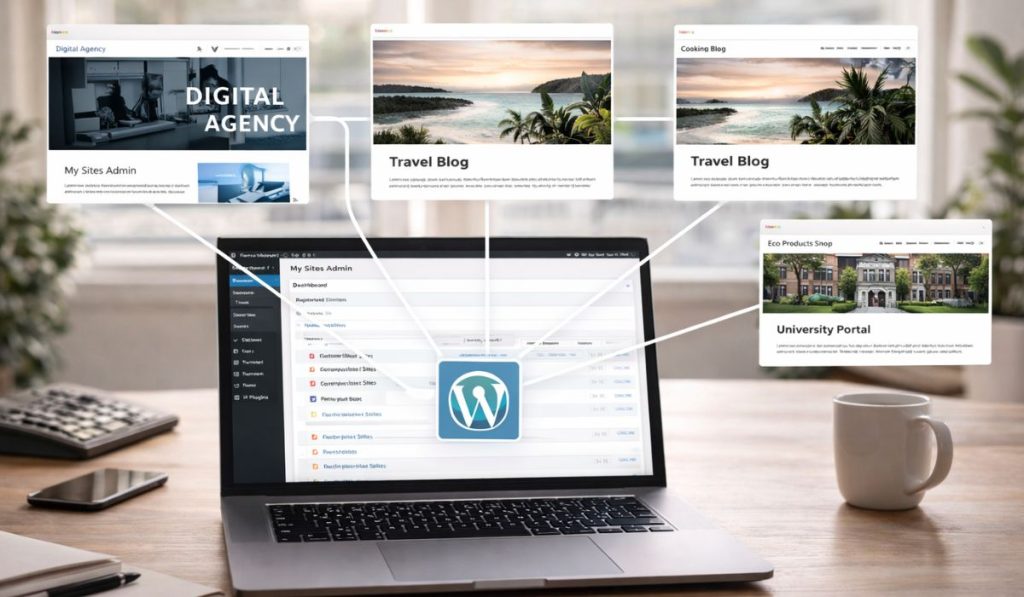 WordPress Multisite does not force you to use one theme for every site. You have one WordPress install with many themes. Each subsite can turn on a theme from that list if the admin allows it.
So the best answer is this:
- One WordPress installation
- Many themes can exist in the network
- One subsite usually has one active theme at a time
- Different subsites can use different themes
This is why people get confused. Terms such as installed, enabled, available, and active are not the same in multisite.
The simple definition: A WordPress multisite network can have many themes. But each subsite runs one theme at a time.
How themes work in WordPress Multisite
It helps to look at this in two levels.
Network level
At the network level, WordPress stores all the themes. The admin installs themes once for the whole network. Subsites do not install their own copies.
This saves space and makes it easier to manage themes. The super admin controls which designs the network can use.
Subsite level
At the subsite level, each site can turn on a theme the admin has allowed. Site A can use one theme. Site B can use a different theme in the same network.
Many people miss this point. Multisite can have many themes but one subsite uses one theme at a time.
Can each multisite subsite use a different theme?
Yes, each subsite can use a different theme if the network admin allows that theme for use. WordPress says themes must be enabled in Network Admin before they can be activated on individual sites.
This makes multisite flexible. It works for many types of networks like these.
- School districts with one site per school
- Franchise brands with one site per location
- Agencies managing client sites
- Universities with sites for departments
- Media groups with separate publication sites
In these cases, one theme for all sites might not work. Subsites might need different layouts, colors, menus, or branding.
Does network activating a theme make it active on every site?
No. This is a common myth about WordPress multisite.
WordPress says that network activating a theme does not make it the active theme on every site. It only makes the theme available so individual sites can activate it.
That means there is a big difference between these two actions:
- Network enable or network activate a theme – Makes the theme available in the network
- Activate theme on a subsite – Makes that theme the live design for that one site
This difference is important. If a theme is visible but not live, the problem is usually activation, not installation.
One active theme per subsite, many themes across the network
Here is a simple way to see it. The network is like a library of themes. Each subsite picks one theme to use at a time.
That means:
- The network can hold many themes
- A subsite usually runs one active theme
- Another subsite can pick a different active theme
- Sites share the same WordPress core and installed theme files
So the answer is both one and many. One active theme per site. Many themes in the network.
What happens if you edit a theme in Multisite?
 Admins need to be careful here.
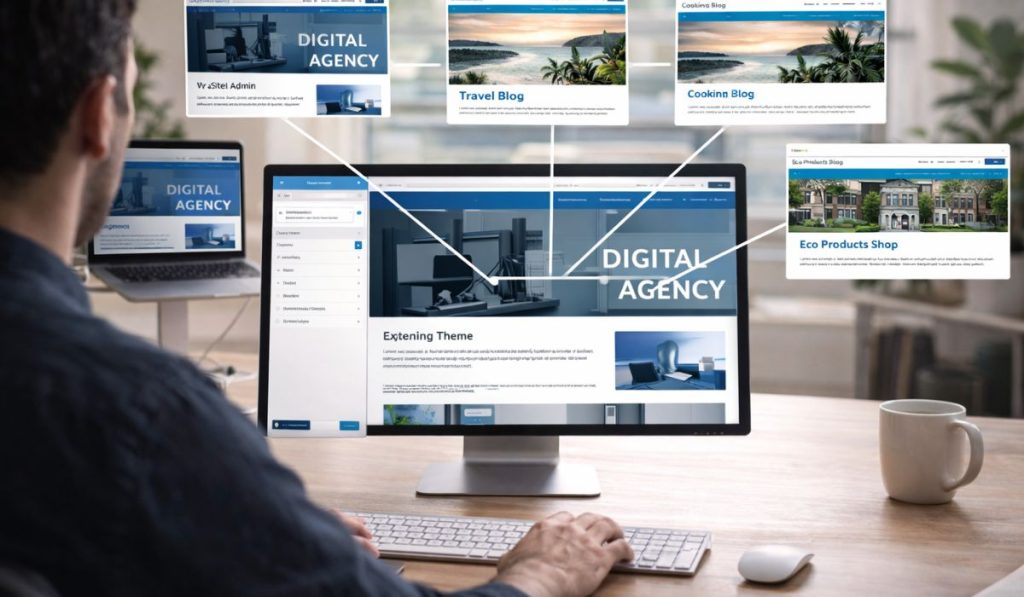
WordPress says that if you edit the code of a theme, that change affects every site using that same theme in the network. So if five subsites use one shared theme, a code edit can change all five sites at once.
So always test shared themes before you update or edit them.
Still, not every design setting is shared in the same way. WordPress also says that each site’s Customizer settings are stored in that site’s own database tables. That means site-specific settings can stay local even when the theme code is shared.
Code changes vs site settings
Here is the practical difference:
- Theme code changes affect all sites using that theme
- Customizer settings stay tied to each subsite
- Shared CSS or template edits can impact many sites
- A site logo or menu setting can stay local to one site
This is why many admins use child themes or apply strict rules in big networks.
Can you set one default theme for new multisite sites?
Yes. WordPress says new sites in a multisite network use the most recent default Twenty theme by default, unless the admin changes that behavior. WordPress also says admins can set a different default theme with the WP_DEFAULT_THEME setting in wp-config.php.
This does not mean every site has to keep that theme. It just means new sites start with it.
So there is an important difference here too:
- Default theme = starting theme for new sites
- Only theme = the only option in the network
These are not the same.
Should you use one theme or multiple themes in WordPress Multisite?
The answer depends on your network type.
When one theme is the better choice
Using one theme for all subsites is good if you want these things.
- Strong brand consistency
- Simpler updates
- Simpler maintenance
- Fewer design errors
- Faster admin training
This works for schools, company sites, or any network where all site should look the same.
When multiple themes make more sense
Using more than one theme is better if your subsites have different brands or audiences. Each site gets more freedom.
This setup works well for:
- Agencies with client sites
- Franchise networks
- Publishers with different site styles
- Universities with separate departments
- Regional brands with unique design needs
The trade-off is simple. More themes mean more freedom but also more work to manage.
Common mistakes people make with multisite themes
Most confusion comes from a few mistakes.
- Installing one theme in the network does not force every site to use it.
- Enabling a theme is not the same as activating it on a subsite.
- Editing shared theme files can affect more sites than you expect.
These three points clear up most confusion for beginners.
Frequently Asked Questions (FAQs)
Is WordPress multisite one theme or multiple?
It can use multiple themes across the network. Each subsite usually has one active theme at a time.
Can every subsite use a different theme?
Yes, if the network admin makes those themes available in the multisite network.
Does network activating a theme make it live everywhere?
No. WordPress says network activating a theme only makes it available for activation on individual sites.
Can one code change affect many sites?
Yes. If many subsites use the same theme, a code edit can affect all of them.
Can new multisite sites start with a default theme?
Yes. WordPress supports a default theme for new sites in the network.
Final thoughts
The simple answer is WordPress multisite is not stuck with one theme for the whole network. It can have many themes in the network. Each subsite runs one theme at a time.
This is why multisite works for simple and complex networks. You can use one design for all sites or let subsites use different themes if you need more flexibility.
Leave a comment and tell me this: are you planning a multisite network with one shared brand, or do you need different themes for different subsites?
